If you’re trying to grow on TikTok, you can’t just post and hope for the best. You need to know what’s working, what’s not, and where to focus next. That’s where analytics tools come in. In this blog, we’ll walk you through 13 of the best TikTok analytics tools you can use in 2026 to track your performance, understand your audience, and improve your content strategy. Whether you’re a creator, brand, or agency, these tools will help you make smarter decisions and grow faster.
13 Best TikTok Analytics Tools in 2026
| Tool | Starting Price (Monthly) | Key TikTok Features | Best For |
|---|---|---|---|
| ViewMetrics | Free / $25 | Reporting, audience demographics, multi-platform analytics | Small teams, budget users |
| TikTok Analytics | Free | Native video views, engagement, follower demographics, profile visits (60-day limit) | Creators starting out |
| Socialinsider | $99/month | Competitor benchmarking, historical data, top posts, and content pillars | Agencies, benchmarking |
| Agorapulse | $79/per user /month | Cross-platform analytics, scheduling, team workflows, reporting | Multi-platform management |
| Sendible | $25/month | White-label reports, client dashboards, scheduling, basic TikTok metrics | Agencies, client work |
| Keyhole | $89+ / Quote | Hashtag tracking, trends, sentiment, real-time campaign ROI, competitor analysis | Campaigns, trends |
| Sprout Social | $199 per seat/month | Performance reports, competitor comparison, unlimited history, cross-platform | Comprehensive strategy |
| Brand24 | $149/month | Mention monitoring, sentiment, share of voice, influencer discovery | Listening, alerts |
| Brandwatch | Custom Pricing | Advanced listening, sentiment, competitor insights, customizable dashboards | Enterprises |
| Rival IQ | $239/month | Custom dashboards, competitor analysis, breakout posts, best times to post | Competitive benchmarking |
| Hootsuite | Tiered/Free | Scheduling, analytics across platforms, optimal posting times, reporting | All-in-one management |
| Pentos | $49/month+ | Trends, competitor monitoring, song/hashtag tracking, campaign dashboards | Trend spotting |
| Exolyt | $10-$150/mo | Follower growth, engagement per video, content patterns, and branded reports | Creators, granular insights |
-
ViewMetrics
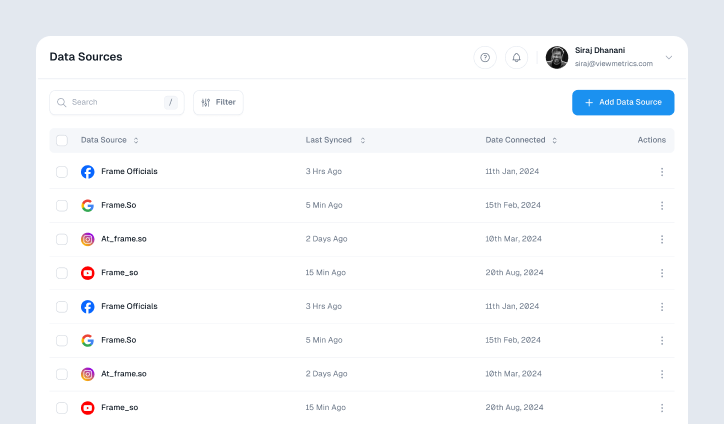
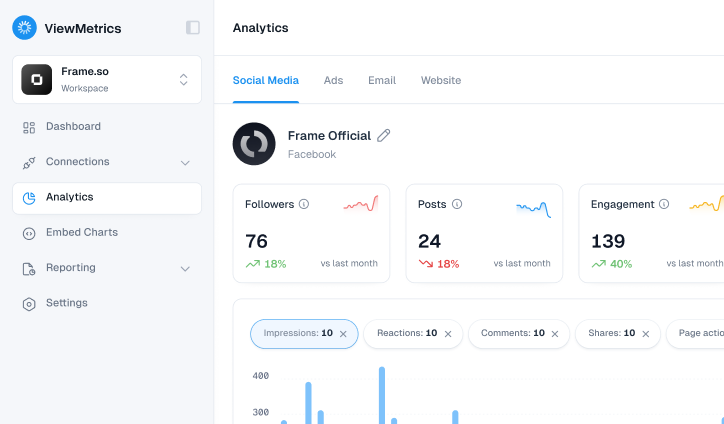
If you’re looking for automated TikTok reporting with no account limits, ViewMetrics is a solid pick. It’s one of the few tools offering unlimited historical data, which is a huge plus since TikTok’s own platform only lets you see the last 60 days. Whether you’re a creator or managing multiple client accounts, ViewMetrics saves time with auto-generated, client-ready reports. . You can also combine TikTok analytics with other platforms like Instagram, YouTube, and Google Ads, all in one place.Features to know:
- Unlimited TikTok data history
- Tracks all 19 core TikTok KPIs (views, watch time, completion, growth, etc.)
- Combines data from 8+ platforms in one dashboard
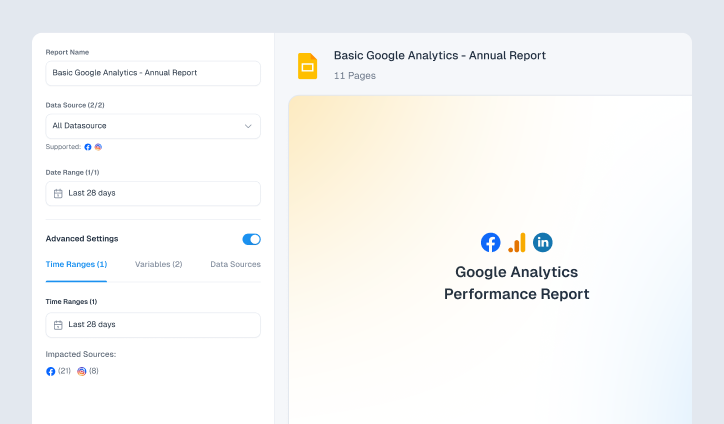
- Branded reports delivered via Google Slides
- Automated reports on daily, weekly, or monthly cycles
- Alerts for performance spikes
- Free plan available; paid plans start at $119/month
-
Native TikTok Analytics
This one’s built right into TikTok, and it’s completely free. As soon as you publish one video from a creator or business account, the analytics dashboard opens up. While it’s not very advanced, it’s perfect for checking views, follower growth, and engagement quickly. Just know the data only goes back 60 days and doesn’t offer competitor tracking.
Features:
- Free for all business and creator accounts
- Tracks views, likes, comments, shares
- Includes overview, content, follower, and live video tabs
- Shows follower activity and top-performing videos
- Accessible via the TikTok mobile app and desktop
-
Socialinsider
Agencies and brands that love deep dives into content trends will appreciate Socialinsider. It uses AI to group your posts into content pillars and identify which themes perform best. This is useful when managing several accounts or trying to figure out what kind of content resonates with your audience or competitors.Features:
- AI content pillar detection
- Tracks hashtags and engagement patterns
- Competitor benchmarking
- Up to 12 months of historical data
- Custom and branded reports
- Starts at $99/month
-
Agorapulse
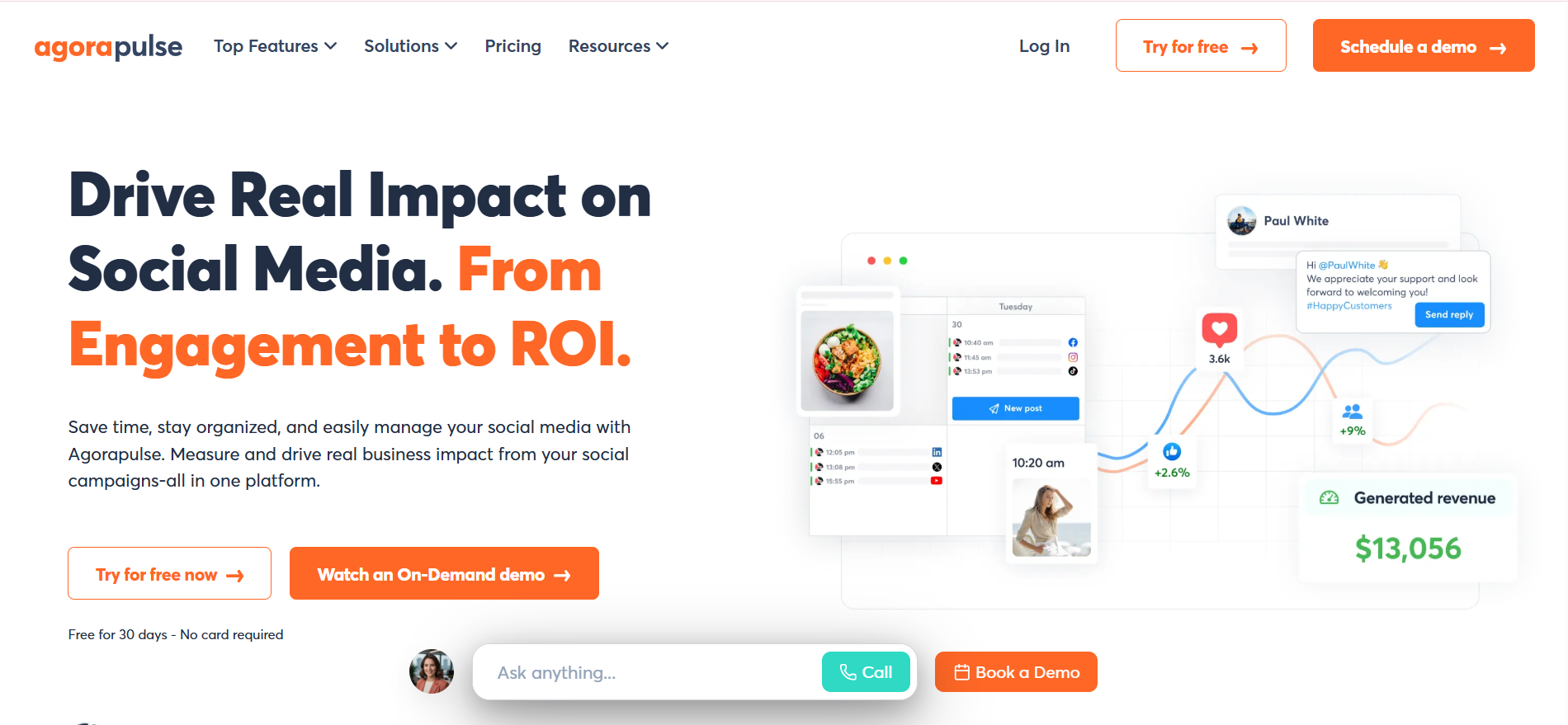
Agorapulse is an all-in-one tool that combines publishing, inbox management, collaboration, and analytics. It’s perfect for teams who want to connect social media results with real business impact. The Social ROI feature is especially helpful for tying posts to leads and revenue. If you’re focused on outcomes, not just vanity metrics, this is worth a look.
Features:
- Connects post-performance with revenue and lead generation
- Unified inbox for all messages and comments
- Collaborative content calendar
- Integrates with Google Analytics
- Free plan available; paid plans are competitively priced
-
Sendible
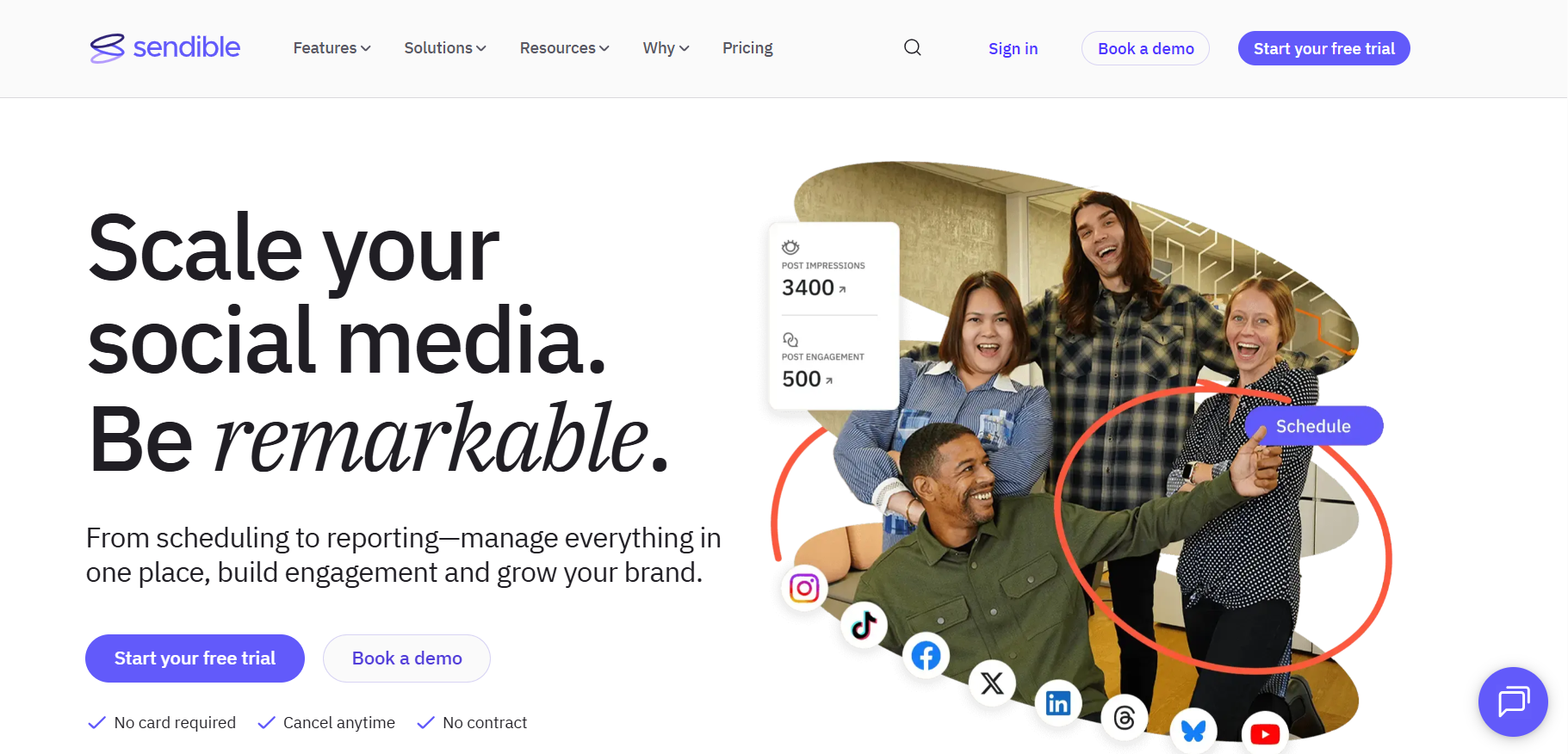
Sendible recently added TikTok analytics to its platform, making it a solid option for teams or agencies managing multiple accounts. You can schedule content, track how each post performs, and see demographic details of your audience. It supports collaboration and works well for brands with a multi-platform strategy.Features:
- Schedule and publish TikTok videos
- Follower, engagement, and demographic analytics
- Manage multiple platforms from one dashboard
- Team-based workflows and approvals
- Starts at $25/month with a 14-day free trial
-
Keyhole

Keyhole is ideal if you’re after trend discovery and deep historical tracking. You can monitor sentiment, find the best times to post, and even go back several years in your data. It’s especially useful for influencer tracking and competitor analysis.Features:
- Historical data access dating back to 2015
- Real-time brand monitoring
- Tracks trending sounds and hashtags
- Competitor and influencer analysis
- Starts at $89/month
-
Sprout Social

Sprout Social is designed for larger teams and detailed reporting. Unlike TikTok’s own analytics, Sprout keeps all your data for as long as you need. If you want to compare TikTok with Instagram or Facebook, it’s all possible inside one platform.Features:
- Custom reports with post-type filters
- Unlimited TikTok data history
- Unified social inbox
- Scheduling and collaboration tools
- Pricing starts at $199/month with a 30-day trial
-
Brand24

Brand24 doesn’t track your own TikTok posts. Instead, it listens to what others are saying about your brand. This is perfect for keeping an eye on reputation, understanding public sentiment, and spotting influencers talking about you. It also breaks down mentions by emotion and helps you respond quickly to brand buzz.Features:
- Tracks TikTok mentions of your brand
- AI sentiment and emotion analysis
- Share of Voice tracking
- Influencer identification
- Pricing starts at $99/month
-
Brandwatch
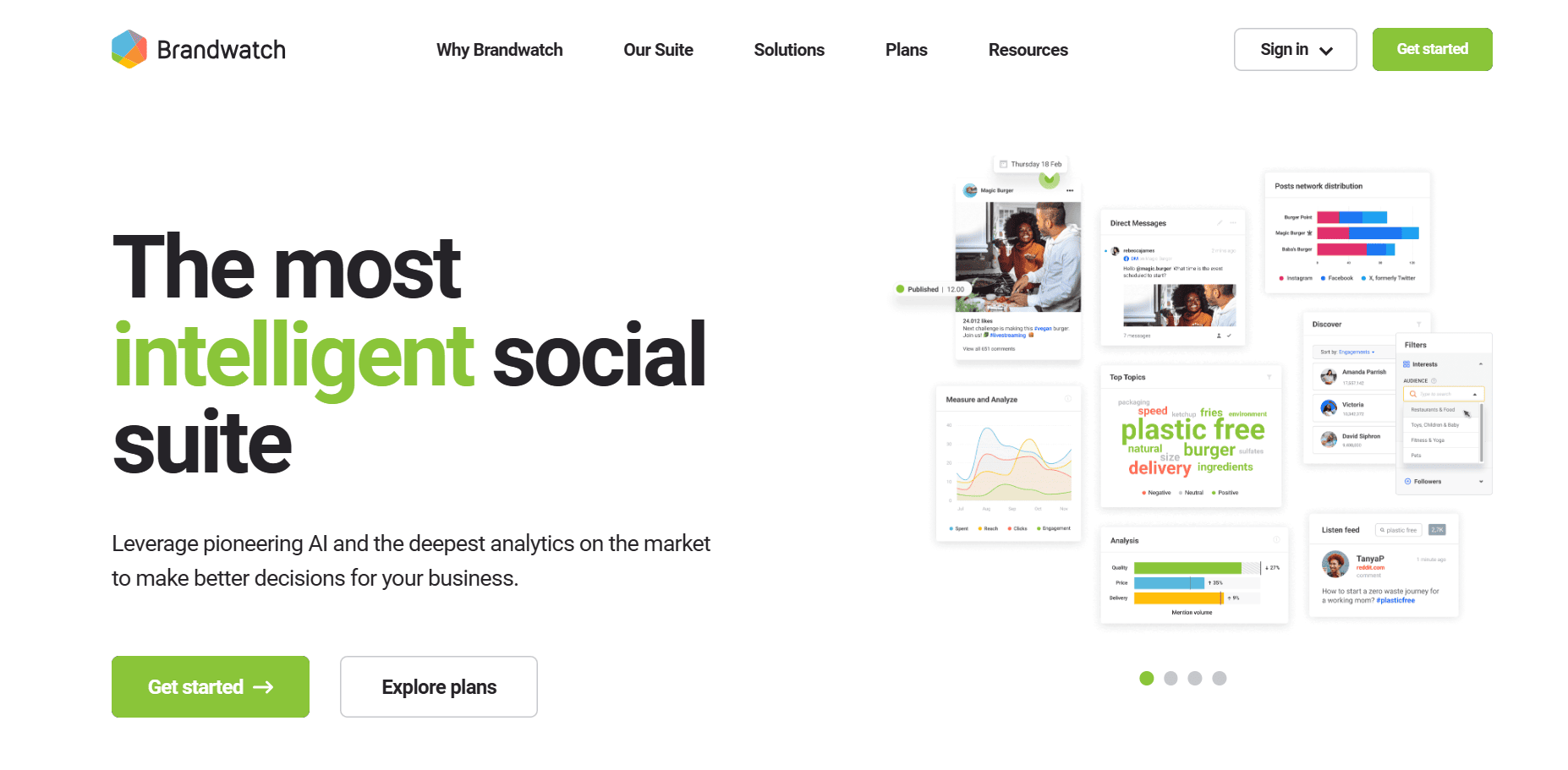
Brandwatch is built for large brands and enterprises. It gives deep access to TikTok insights, especially around influencers, trends, and detailed performance metrics. If you need serious scale and customization, this tool delivers. It’s also an official TikTok Marketing Partner.Features:
- Advanced audience listening and reporting
- Influencer discovery and tracking
- In-depth performance breakdowns
- Custom reports for campaigns and content themes
- Enterprise-level pricing
-
Rival IQ

Rival IQ is all about comparing yourself to others. It helps you see how your TikTok account stacks up against competitors and industry benchmarks. You’ll also get alerts about trending sounds and topics in your niche, helping you stay ahead of the curve.Features:
- Competitive benchmarking and head-to-head reports
- Tracks emerging content trends and hashtags
- Engagement and video performance metrics
- Social media audits and insights
- Free tools available; paid plans start at $239/month
-
Hootsuite

Hootsuite has been around for a while and continues to be a strong contender for managing all your social media, including TikTok. It gives you one place to track all your networks, with detailed analytics, content scheduling, and team workflows. The AI suggestions for best times to post are a nice touch.Features:
- All-in-one dashboard across TikTok and other platforms
- Tracks hundreds of custom metrics
- Competitive analysis for up to 20 brands
- AI tips to improve performance
- Budget-friendly pricing with analytics add-ons
-
Pentos
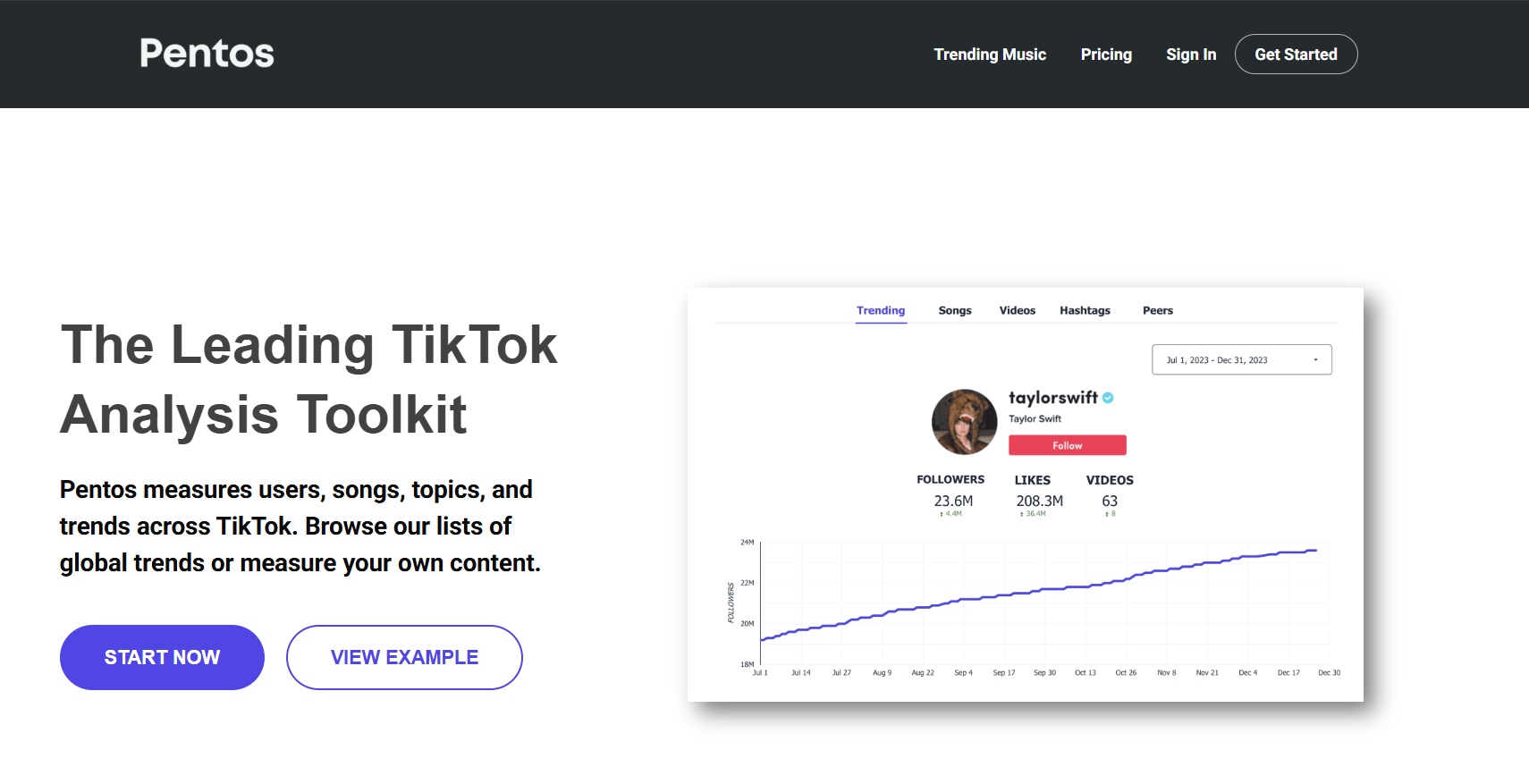
If you care about staying on top of TikTok trends, especially audio, Pentos is built for you. It tracks which sounds are going viral and helps you jump in early. You’ll also get insights on hashtags, competitors, and your own content performance.Features:
- Real-time trending sound tracking
- Hashtag performance monitoring
- Competitor analytics
- Profile-level stats including likes and comments
- Pricing starts at $49/month
-
Exolyt
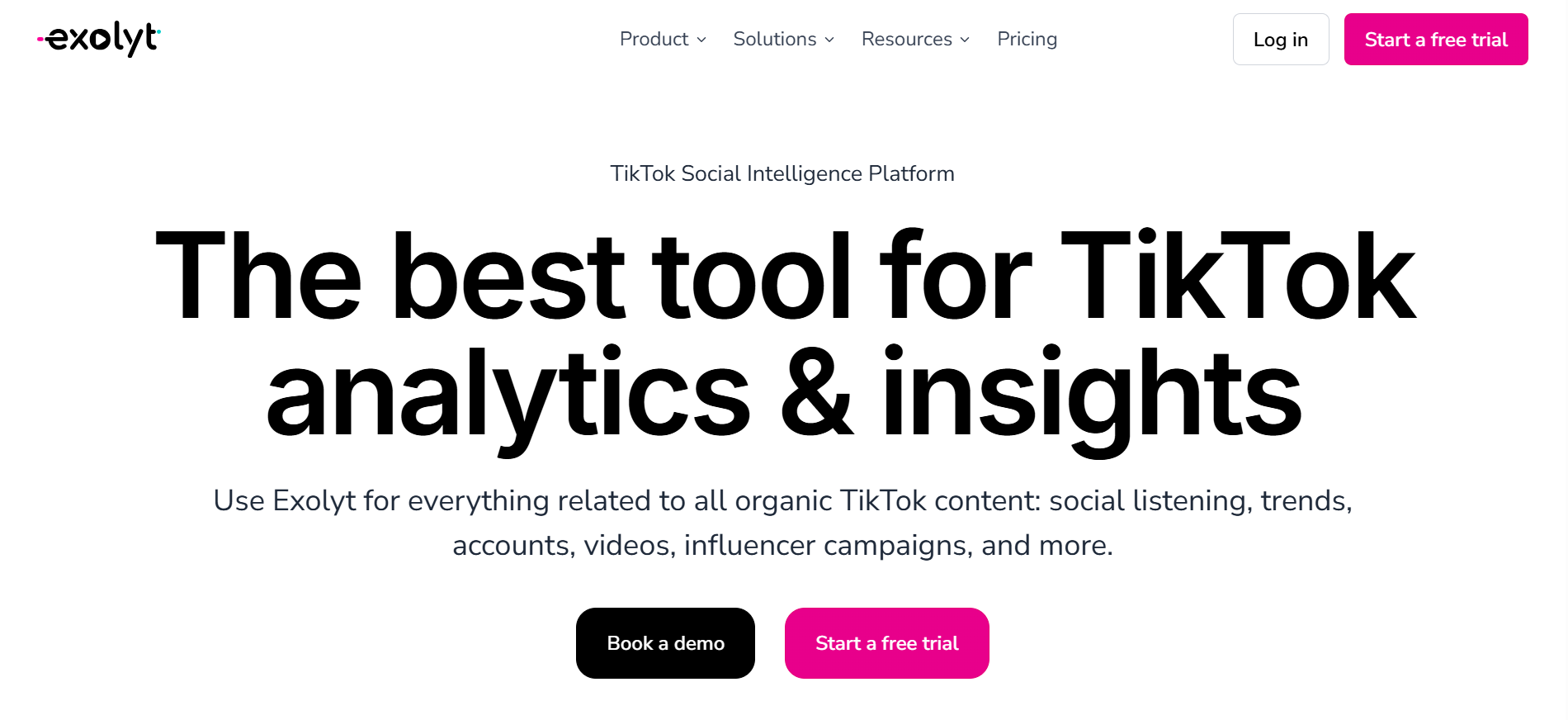
Exolyt is designed for TikTok and nothing else. It uses machine learning to give you sharp insights into what’s working and what’s coming next. From video length to the best time to post, it helps you get into the details. It’s also one of the most affordable advanced TikTok analytics platforms out there.Features:
- Predictive trend analysis using AI
- Performance breakdown by video style, length, and timing
- Audience demographics and sentiment
- Custom reports for teams and clients
- Starts at just $10/month
How to Choose the Best TikTok Analytical Tools?
Here’s what you should keep in mind while choosing a tool for TikTok analytics:
-
Budget and Pricing Structure
Start by figuring out how much you’re willing to spend. Some tools are free with limited features, while others offer premium plans that charge monthly or yearly. Look for a pricing structure that makes sense for your use. If you’re a solo creator, a basic plan might be enough. For agencies or larger teams, go for scalable pricing that matches the size of your operation.
-
Core Analytics Features
The tool you pick should show you what matters. Look for features like follower growth, engagement rate, video views, hashtag performance, and audience insights. The more detailed the data, the better you’ll understand what’s working and what needs to change. Make sure it covers both post-level and account-level analytics.
-
Integration Capabilities
Check if the tool can connect with other platforms you already use. That could include social schedulers, reporting dashboards, or CRMs. If it plays well with tools like Google Sheets, HubSpot, or your social media management software, it saves you a lot of manual work.
-
Team Collaboration Needs
If you’re working with a team, choose a tool that supports multiple users, access levels, or shared workspaces. This way, everyone from content creators to marketers can stay on the same page. Tools with collaborative dashboards and comment features make life easier when you’re managing multiple campaigns.
-
Reporting Requirements
Consider how you’ll be using the data. Do you need visual reports to show your client or boss? Are you tracking specific KPIs every week? Choose a tool that offers customizable reports, export options, and automatic scheduling so you don’t waste time building reports from scratch.
-
Data Accuracy and Reliability
There’s no point in analytics if the data isn’t trustworthy. Look for tools that pull data directly from TikTok’s API or are verified TikTok partners.
-
Customer Support Quality
Finally, good support makes a big difference when something goes wrong. Whether it’s live chat, email, or an in-app knowledge base, make sure the tool offers quick help. Read reviews to see how they handle bugs, billing issues, or technical questions.
Closing Thoughts
At the end of the day, TikTok growth comes down to understanding your numbers and acting on them. The right analytics tool helps you see patterns, fix what is not working, and double down on content that actually connects with your audience. Pick a tool that fits your goals, budget, and workflow. Use the data regularly, not occasionally, and you will stop guessing and start growing with more clarity and confidence.
Frequently Asked Questions (FAQs)
-
Do TikTok analytics tools help with reporting?
Yes, they do. These tools create easy-to-read performance reports and dashboards that help you track progress. Whether you’re a creator, a brand, or part of a marketing team, having these reports makes it simpler to understand what’s working and where to improve.
-
Can these tools track viral content?
Absolutely. Most tools can spot when your content starts gaining unusual traction. They highlight viral trends, your top-performing videos, and sudden spikes in views, likes, or shares.
-
Do they show audience demographics?
Yes. You can see who is watching your content by checking age groups, gender distribution, locations, and even when your audience is most active. This helps you post at the right time and tailor content for your viewers.
-
Can they help grow my follower count?
Definitely. These tools reveal patterns in your best content, helping you understand what brings in new followers. You can also spot which posting times and video types give you the best results.
-
How often should I check my analytics?
A weekly check helps you fine-tune content based on recent performance. For a bigger picture, monthly analysis is great for adjusting your overall strategy and planning ahead.
-
How do these tools support content strategy?
They show which types of content get the most views and engagement. You’ll also find insights on trending sounds, audience preferences, and the best times to post. All of this helps you make smarter creative choices.
-
Can they track hashtag performance?
Yes. Many tools allow you to monitor hashtags over time. You’ll be able to see reach, popularity trends, and how discoverable your videos are with certain tags.