/Integrations/JSON API

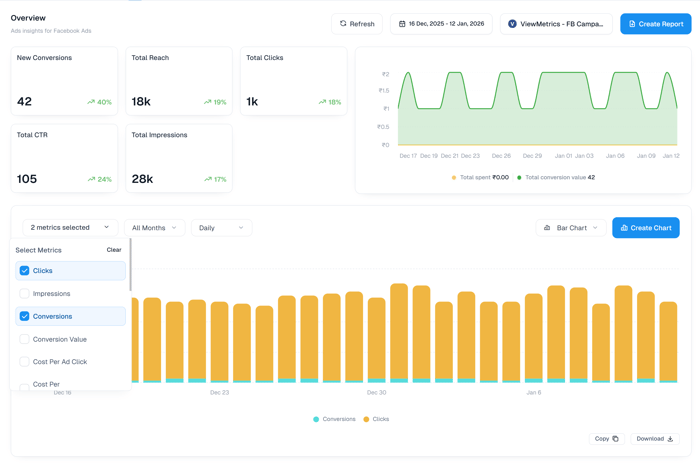
JSON API Reporting & Analytics Dashboard

Connect JSON API with ViewMetrics for automated reporting, real-time analytics, and custom dashboards. Track all your JSON API metrics in one place.

No credit card required.
JSON API Dashboard

Built for Quick Insights

0+
Available Metrics
Daily
Automated Sync
2 Min
Setup Time
Metrics

Available JSON API Metrics

Track and analyze all your JSON API metrics in one place.

No metrics found

We couldn't find any metrics matching your search. Try adjusting your search terms.

Can't find the metric you're looking for?
Request a Metric
Features

Powerful Reporting Features

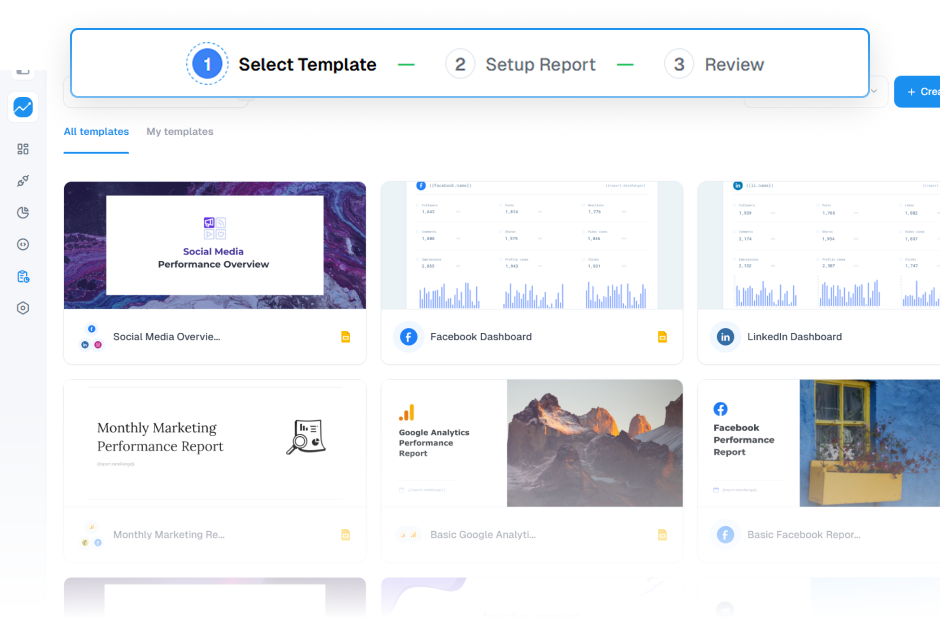
Automated reporting with templates

Automated reporting with templates

Save hours of work with our pre-built reporting templates. Get automated reports for your clients in minutes.

Explore Templates
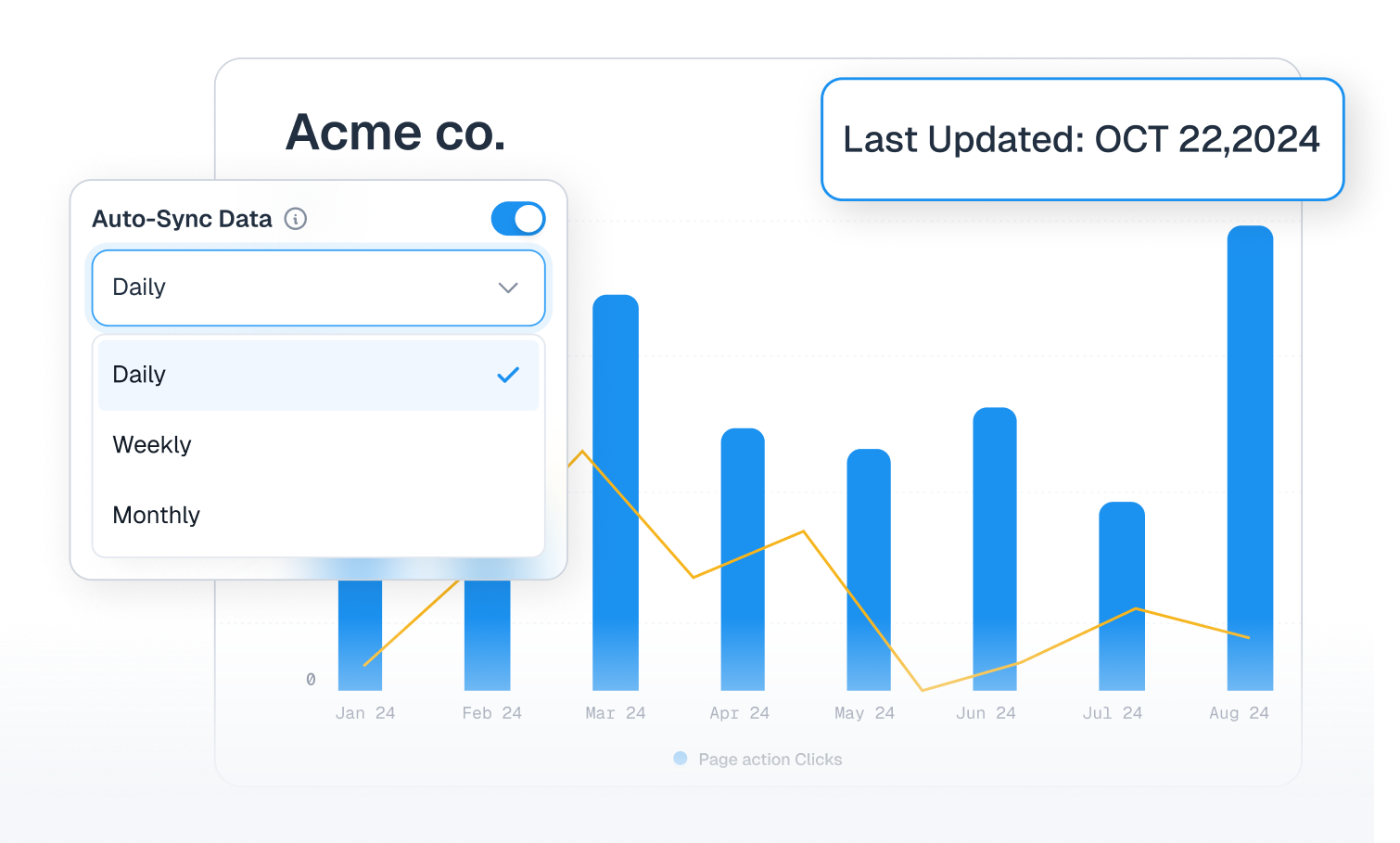
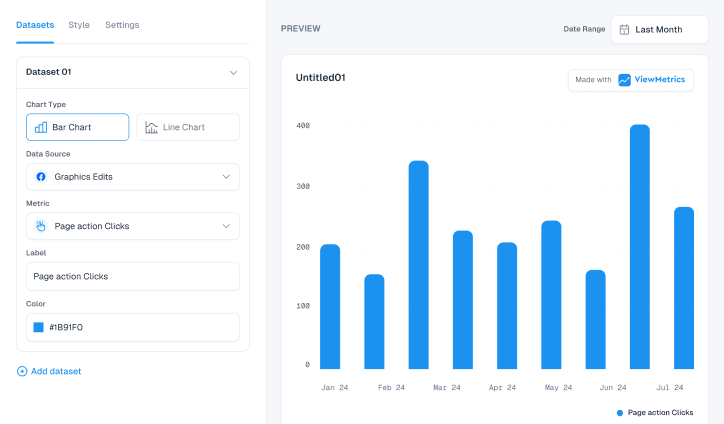
Auto Sync Charts

Auto Sync Charts

Refresh your charts on a schedule automatically. Ensure your data is always fresh and up-to-date without any manual intervention.
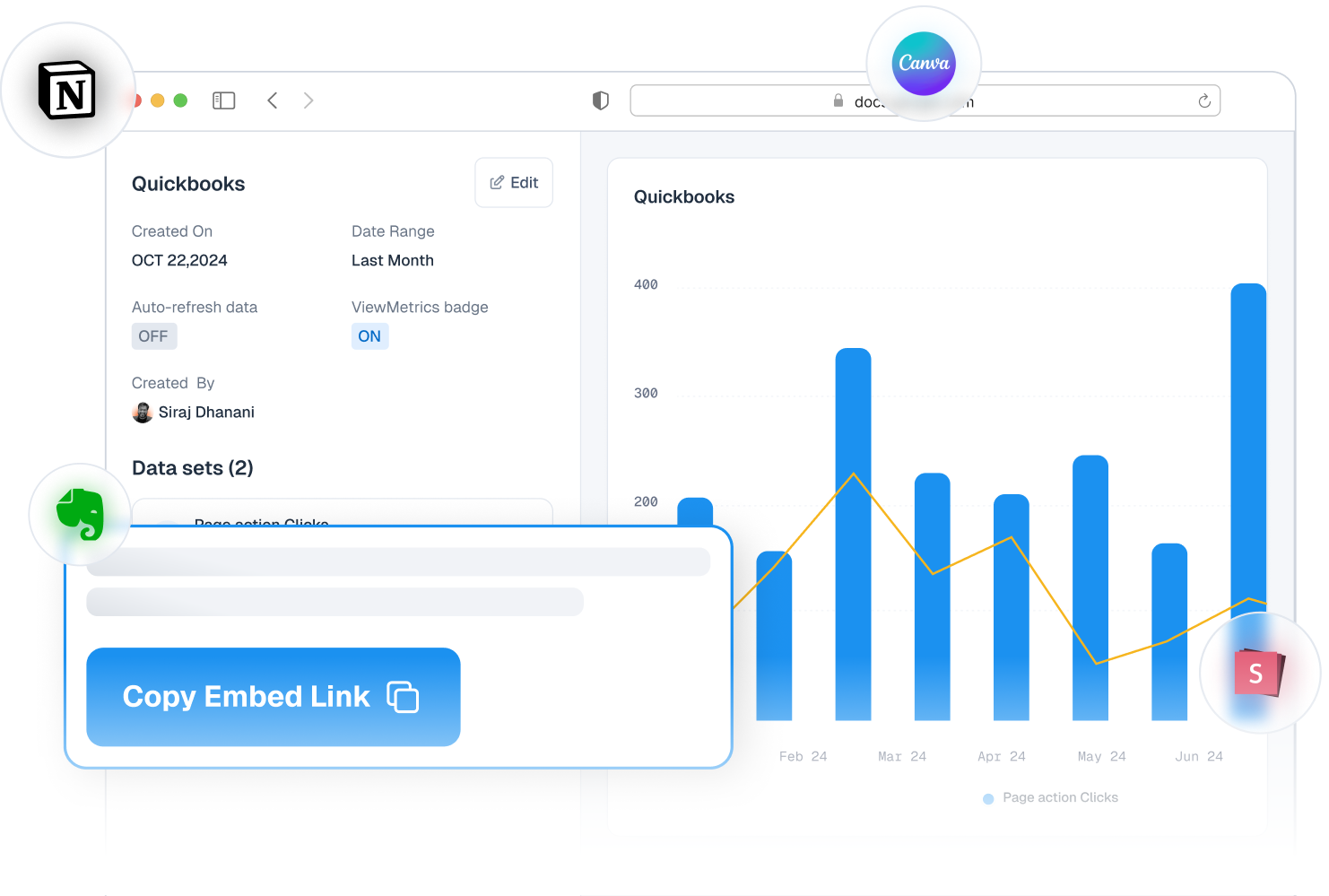
Embedded Charts Anywhere

Embedded Charts Anywhere

Embed your data into your favorite tools and platforms. Keep your charts always up-to-date across all your workspaces and platforms like canva, notion, google slides, etc.
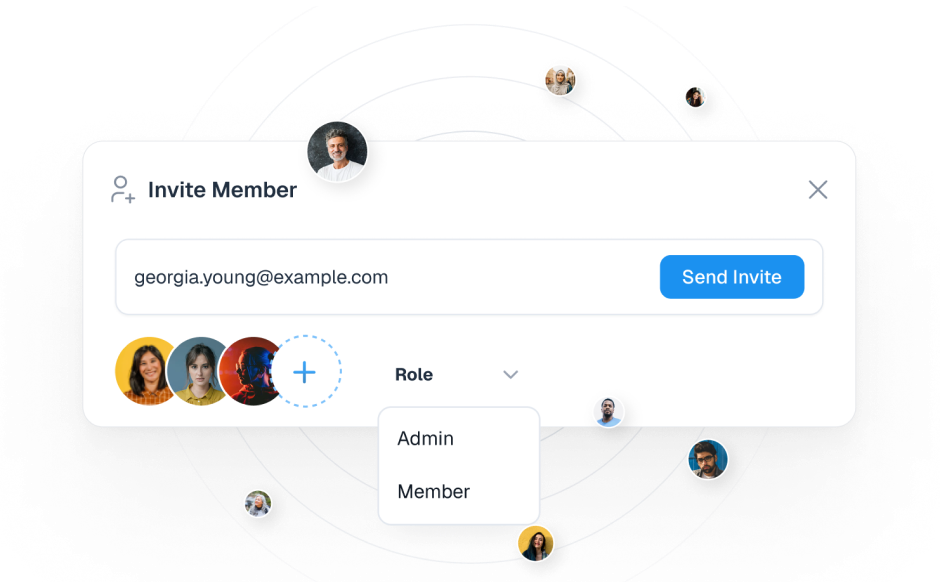
Manage Multiple Clients and Teams

Manage Multiple Clients and Teams

Manage clients and work seamlessly with your team from one centralized platform. Create separate dashboards for each client and scale your agency effortlessly.

FAQ's

Frequently Asked Questions About JSON API

The JSON API integration allows you to connect your JSON API account to ViewMetrics so you can automatically pull in audience, engagement, and performance data into customizable dashboards and reports.
ViewMetrics supports key JSON API metrics such as various metrics, and more - depending on the data permissions you grant.
ViewMetrics uses secure API connections to sync your JSON API data automatically. Once authorized, your selected accounts and metrics are fetched on a scheduled basis for reporting and dashboards.
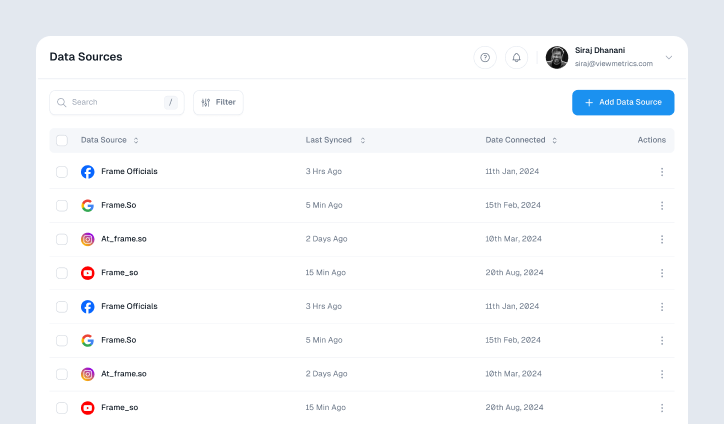
After you sign up to ViewMetrics, go to Datasources > Add New Datasource > JSON API. Log in with your JSON API credentials, authorize ViewMetrics to access the necessary accounts, then select the account(s) you want to sync.
Absolutely. ViewMetrics uses secure, encrypted API connections. You control which accounts and permissions are shared, and you can revoke access anytime through your JSON API settings.
ViewMetrics requests permissions to view your JSON API insights, posts, and associated analytics data to populate dashboards and reports.
Yes, you can connect multiple JSON API accounts to the same ViewMetrics workspace for centralized reporting.
You can build performance dashboards, weekly/monthly summaries, post-level engagement reports, campaign breakdowns, audience growth trends, and exportable PDF reports.
Yes, ViewMetrics supports scheduled reporting that automatically updates your reports with the latest data from JSON API.
Yes, you can blend JSON API metrics with data from other platforms (e.g., Instagram, LinkedIn, Google Ads) for holistic cross-channel performance reports.
Common reasons include expired permissions, revoked access on JSON API, incorrect account selection, or insufficient user rights. Re-authorize the integration and ensure you have sufficient access.
ViewMetrics always pulls the latest JSON API data as per the JSON API API limits.
Ensure that you have given necessary permissions to the app. If you don't see a metric you require, you can .
Integrations can disconnect if your JSON API login expires, your permissions change, or JSON API updates its API. Simply reconnect from the Datasources dashboard.
Yes, JSON API integration is available to use on all plans, with the ability to add unlimited accounts on higher plans.
JSON API enforces API rate limits and permission rules that apply to all integrations. ViewMetrics handles these automatically, but extremely large data pulls may take longer.
Save time with automated reporting, combine JSON API with other channels in one dashboard, uncover engagement trends quickly, and share insights easily with stakeholders.
Focus on key performance indicators - especially in combination.
Yes, historical dashboards and trend analysis help you compare week-to-week, month-to-month, or year-to-year performance.

Work smarter by automating client reports now

Get Started for Free
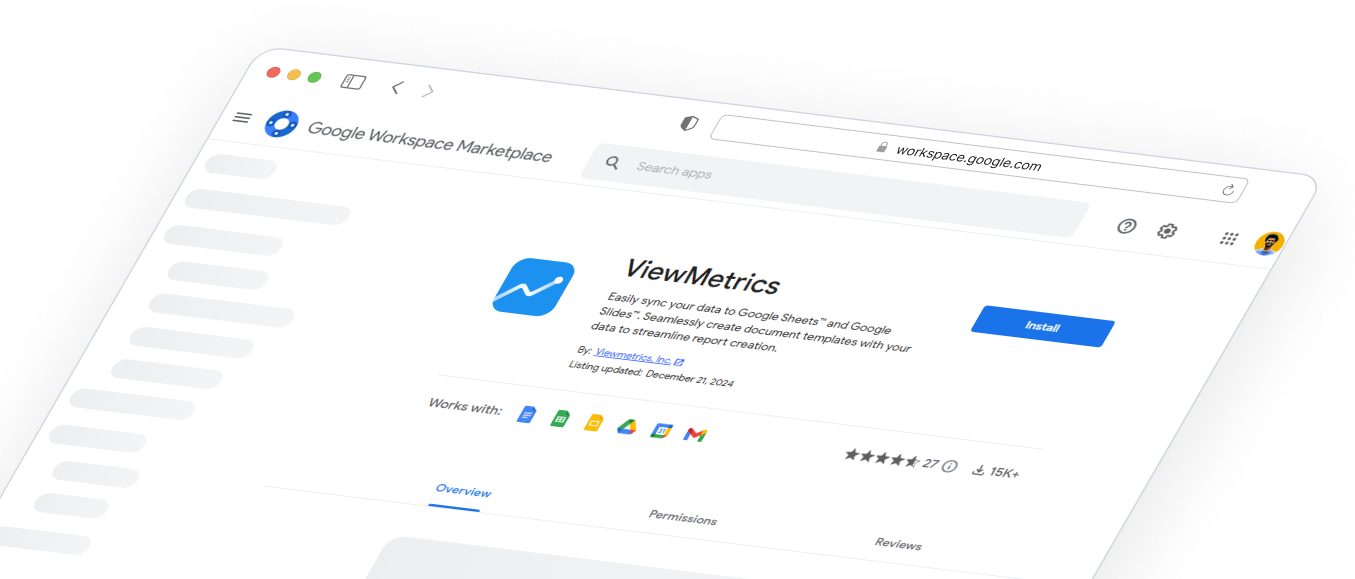
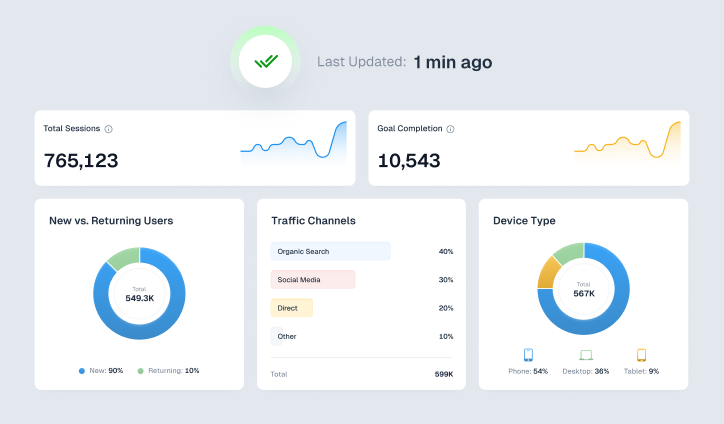
ViewMetrics Dashboard Image
    Add Styling
    Add Styling
    Add Styling

    Design That Stands Out

    Elevate visuals effortlessly with customizable styling options tailored to match brand aesthetics.

    Sync Data
    Sync Data
    Sync Data

    Effortless Data Syncing

    Keep insights up-to-date with seamless and flexible data synchronization across platforms.

    Integrations
    Integrations
    Integrations
    Integrations
    Integrations

    Connect with Ease

    Integrate effortlessly with leading platforms to streamline workflows and maximize efficiency.

    Google add-on
    Google add-on
    Google add-on

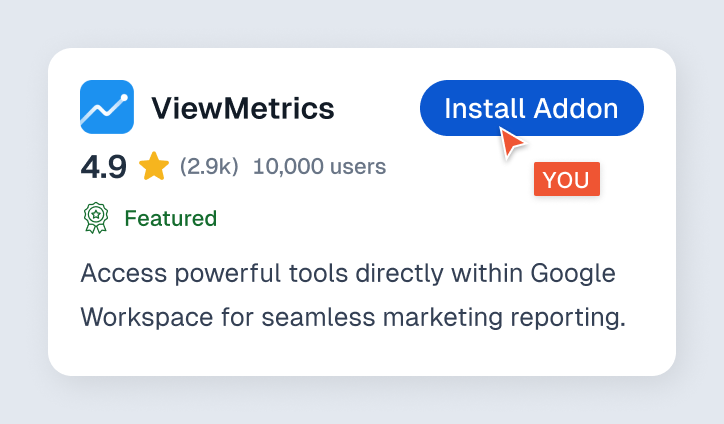
    Boost Productivity with Google Add-On

    Access powerful tools directly within Google Workspace for seamless marketing reporting.

    Report
    Report
    Report

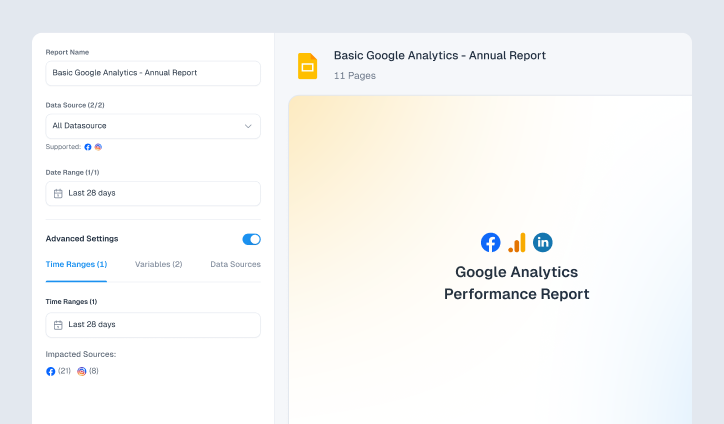
    Custom Reports, Instant Insights

    Generate tailored marketing reports effortlessly, delivering key insights in just a few clicks.

    Analytics
    Analytics
    Analytics

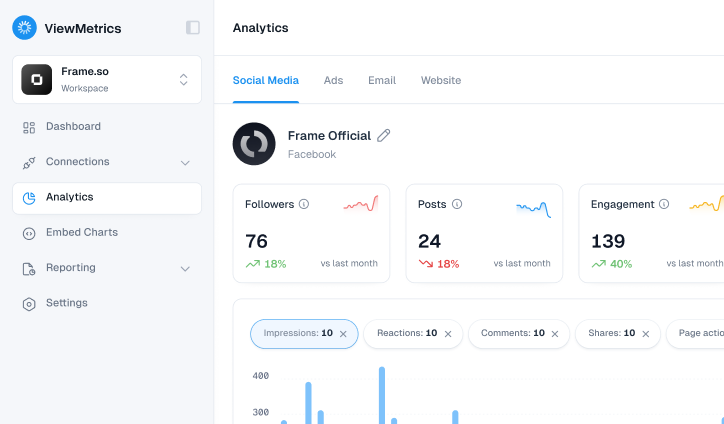
    Actionable Analytics at a Glance

    Access in-depth analytics to uncover trends, optimize strategies, and drive impactful decisions.

    Invite Team
    Invite Team
    Invite Team

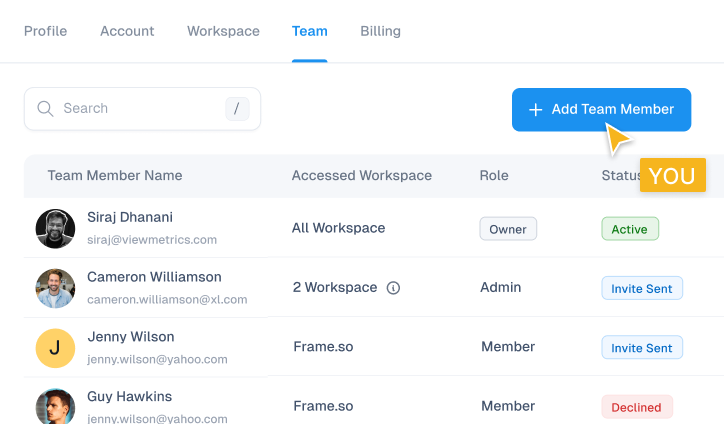
    Collaborate with Ease

    Invite team members to share insights, streamline workflows, and work together seamlessly.

    Add Styling
    Add Styling
    Add Styling

    Design That Stands Out

    Elevate visuals effortlessly with customizable styling options tailored to match brand aesthetics.

    Sync Data
    Sync Data
    Sync Data

    Effortless Data Syncing

    Keep insights up-to-date with seamless and flexible data synchronization across platforms.

    Integrations
    Integrations
    Integrations
    Integrations
    Integrations

    Connect with Ease

    Integrate effortlessly with leading platforms to streamline workflows and maximize efficiency.

    Google add-on
    Google add-on
    Google add-on

    Boost Productivity with Google Add-On

    Access powerful tools directly within Google Workspace for seamless marketing reporting.

    Report
    Report
    Report

    Custom Reports, Instant Insights

    Generate tailored marketing reports effortlessly, delivering key insights in just a few clicks.

    Analytics
    Analytics
    Analytics

    Actionable Analytics at a Glance

    Access in-depth analytics to uncover trends, optimize strategies, and drive impactful decisions.

    Invite Team
    Invite Team
    Invite Team

    Collaborate with Ease

    Invite team members to share insights, streamline workflows, and work together seamlessly.

    Add Styling
    Add Styling
    Add Styling

    Design That Stands Out

    Elevate visuals effortlessly with customizable styling options tailored to match brand aesthetics.

    Sync Data
    Sync Data
    Sync Data

    Effortless Data Syncing

    Keep insights up-to-date with seamless and flexible data synchronization across platforms.

    Integrations
    Integrations
    Integrations
    Integrations
    Integrations

    Connect with Ease

    Integrate effortlessly with leading platforms to streamline workflows and maximize efficiency.

    Google add-on
    Google add-on
    Google add-on

    Boost Productivity with Google Add-On

    Access powerful tools directly within Google Workspace for seamless marketing reporting.

    Report
    Report
    Report

    Custom Reports, Instant Insights

    Generate tailored marketing reports effortlessly, delivering key insights in just a few clicks.

    Analytics
    Analytics
    Analytics

    Actionable Analytics at a Glance

    Access in-depth analytics to uncover trends, optimize strategies, and drive impactful decisions.

    Invite Team
    Invite Team
    Invite Team

    Collaborate with Ease

    Invite team members to share insights, streamline workflows, and work together seamlessly.