Key Takeaways
- Measuring local SEO metrics helps connect search performance to calls, visits, and bookings.
- Key metrics such as Google Business Profile data, local rankings, and geo-based traffic reveal real customer intent.
- Tracking local SEO metrics can also show whether your local search efforts are driving profitable growth.
- Centralized tools like ViewMetrics simplify local SEO measurement across traffic, leads, and revenue.
Local SEO success is not defined by rankings alone. While visibility in local search results is important, it does not automatically translate into leads, calls, or revenue. Businesses often rank well locally but struggle to understand whether those rankings are actually driving real customer actions. That’s why it’s important to track the key metrics for local SEO success.
What Are Local SEO Metrics?
Local SEO metrics are performance indicators that measure how well a business appears and performs in local search results, including Google Maps and the Local Pack. These track visibility, engagement, and conversions from nearby searchers by combining data from Google Business Profile, local rankings, reviews, citations, geo-targeted traffic, and customer actions such as calls, directions, and bookings. Together, these metrics help businesses evaluate success and drive local revenue growth.
15 Key Metrics That Define Local SEO Success
Tracking the right key metrics for local SEO success helps businesses understand where they stand in terms of online visibility, engagement, and ROI. Below are the most important metrics and how to measure them effectively:
-
Conversion Rate
Conversion rate measures the percentage of local visitors who take a meaningful action, such as calling your business, requesting directions, booking an appointment, or submitting a form. It is calculated by dividing the number of completed actions by the total number of local visitors and multiplying by 100.
Where to track it: You can track local conversion rate using GA4 conversion events, Google Business Profile actions, and call-tracking tools connected to local landing pages.
-
Google Business Profile Insights
Google Business Profile insights show how users interact with your local listing, including profile views, calls, website clicks, and direction requests. These metrics reflect intent-driven engagement from nearby searchers.
Where to track it: This data is available directly inside the Google Business Profile dashboard under the Performance section.
-
Local Pack Rankings
Local Pack rankings measure where your business appears in Google’s map-based results for location-specific searches. Higher visibility in the Local Pack typically leads to more calls and visits.
Where to track it: Local rank tracking tools and manual Google Maps checks using geo-specific locations can be used to monitor this local SEO metric.
-
Local Search Traffic
Local search traffic tracks visits coming from users searching with geographic intent, such as city names or “near me” queries. This important local SEO metric shows how well your site attracts nearby customers.
Where to track it: You can measure local search traffic using GA4 and Google Search Console by filtering queries and sessions by location.
-
Website Traffic from Local Searches
This metric measures the total number of website visits driven by local search results, including location pages and service-area searches. It helps connect local rankings with actual site engagement.
Where to track it: GA4 and Search Console provide this data through landing page reports and query performance filtered by geography.
-
Geo-Targeted Keyword Clicks
Geo-targeted keyword clicks track how often users click your site for location-based keywords, such as “plumber in Austin” or “dentist near me.” These clicks indicate high local intent.
Where to track it: You can track this local SEO metric using Google Search Console and local keyword tracking tools.
-
Organic Rankings
Organic rankings measure how your pages rank for local keywords outside of the map results. Strong organic visibility supports long-term traffic and brand trust.
Where to track it: SEO rank tracking platforms and Google Search Console provide organic ranking data for local queries.
-
Customer Reviews & Ratings
This metric tracks the number, quality, and frequency of customer reviews, along with your average star rating. Reviews strongly influence local rankings and customer trust.
Where to track it: Google Business Profile and review monitoring tools are used to track review volume, ratings, and trends.
-
NAP Consistency
NAP consistency measures how accurately your business name, address, and phone number appear across online directories. Inconsistent listings can weaken local visibility and trust.
Where to track it: Local SEO audit tools and citation management platforms help identify and fix inconsistencies.
-
Local Citations
Local citations track how often your business is listed across directories, maps, and local platforms. Citations help businesses build local authority and increase discoverability.
Where to track it: Citation tracking tools and local SEO platforms provide visibility into citation volume and accuracy.
-
Local Backlinks
Local backlinks measure links from regional websites, local publications, or industry-relevant sources. These links strengthen local authority and organic performance.
Where to track it: To track this key local SEO metric, you can use SEO backlink tools such as Ahrefs or Semrush.
-
AI Search Visibility
AI search visibility tracks whether your business appears in AI-generated answers for local queries. This is an important metric to track in 2026 as it reflects how well your content is understood and surfaced by AI-powered search experiences.
Where to track it: SERP monitoring tools and manual AI search testing can be used to evaluate visibility trends.
-
Cost Per Local Lead (CPL)
CPL measures how much you spend to generate one local inquiry from SEO efforts. It is calculated by dividing the total SEO investment by the number of local leads.
Where to track it: You can calculate CPL using GA4 conversion data, CRM systems, and SEO cost reports.
-
Revenue from Local Organic Traffic
This metric measures the revenue generated directly from visitors who arrived via local organic search. It connects local visibility with real financial outcomes.
Where to track it: GA4 ecommerce tracking and CRM attribution tools are used to track revenue from local traffic.
-
Local SEO ROI Percentage
Local SEO ROI percentage compares revenue earned from local SEO against the total cost of SEO efforts. It provides a clear measure of profitability.
Where to track it: This local SEO metric is calculated using GA4 revenue data combined with SEO cost tracking in reporting dashboards.
How ViewMetrics Simplifies Local SEO Performance Tracking
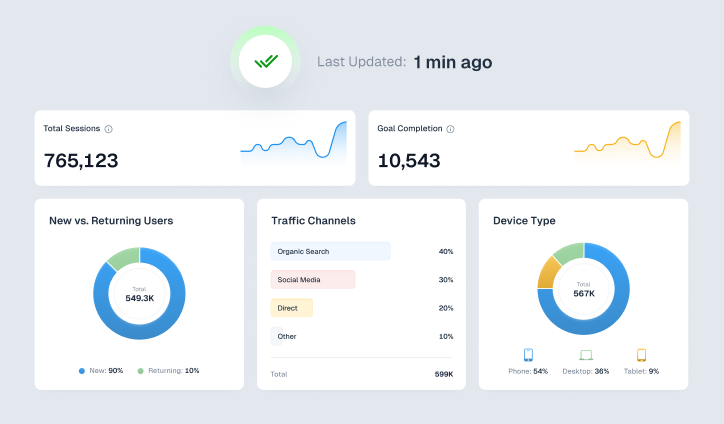
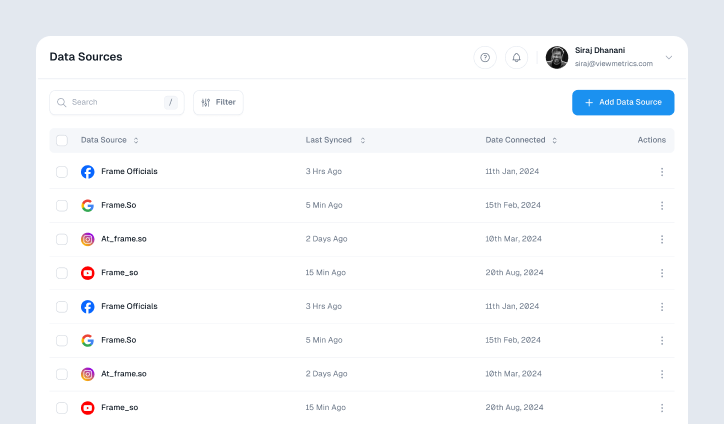
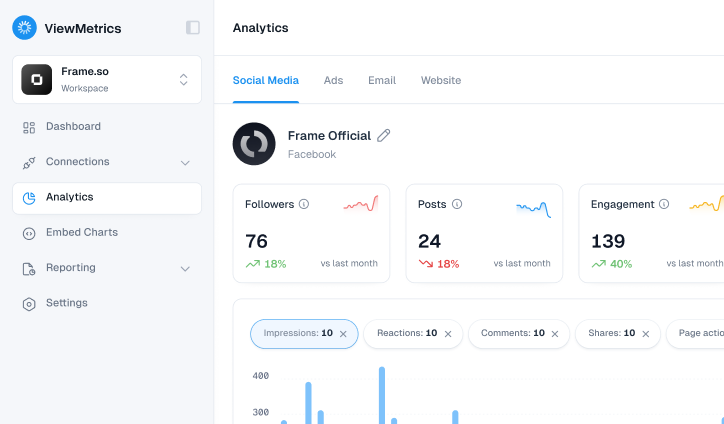
Tracking key metrics for local SEO success becomes difficult when data is scattered across multiple platforms. ViewMetrics removes this friction by centralizing local SEO metrics alongside your paid, social, and email data, so marketers can understand performance without switching tools.
Here’s how we can help you:
- One unified view: See local SEO visibility, traffic, and conversions in the same dashboard as other marketing channels.
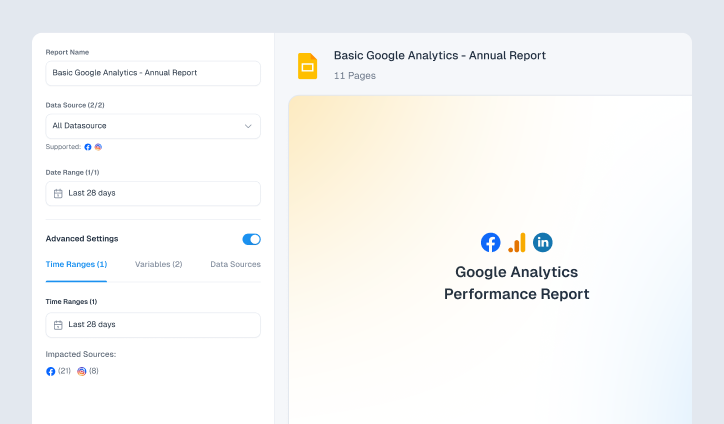
- Less manual reporting: Automatically pull data from multiple platforms without spreadsheets or copy-paste work.
- Clear ROI visibility: Connect local search performance to leads and revenue for better decision-making.
- Faster insights: Spend less time gathering data and more time optimizing what drives results.
Conclusion
Tracking the key local SEO metrics helps businesses move beyond rankings and focus on real outcomes. When visibility, engagement, and revenue are measured together, local SEO becomes a predictable growth channel instead of a guessing game. By monitoring the right metrics for local SEO and using unified reporting tools, businesses can clearly understand performance, prove ROI, and make smarter optimization decisions.
FAQs
-
How often should you track local SEO metrics?
Local SEO metrics should be reviewed monthly for trends and quarterly for ROI analysis. High-competition businesses may benefit from weekly monitoring of rankings and conversions.
-
How do you choose the right metrics for your local business?
Choose metrics that reflect customer actions, such as calls, visits, and bookings, instead of focusing only on rankings or impressions.
-
What are the most important metrics for local SEO?
The most important metrics for local SEO include Google Business Profile actions, local rankings, reviews, geo-targeted traffic, and conversions.
-
How do you measure local SEO ROI?
Local SEO ROI is measured by comparing revenue generated from local organic traffic against total SEO investment.
-
Which local SEO metrics matter most for small businesses?
Small businesses should prioritize Google Business Profile actions, calls, reviews, and local lead conversions.
-
What is the difference between local SEO metrics and traditional SEO metrics?
Local SEO metrics focus on geographic visibility and customer actions, while traditional SEO metrics emphasize global rankings and traffic.
-
Can local SEO metrics help measure offline sales?
Yes, local SEO metrics can track calls, direction requests, and store visits, helping you connect your online visibility to offline sales.