If you’re serious about growing your YouTube channel in 2026, tracking the right metrics is non-negotiable. Views and subscribers might look good at first glance, but they don’t tell the full story. To really understand how your content is performing, you need to go deeper. In this blog, we’ll walk you through the most important YouTube KPIs to monitor this year. These are the numbers that help you make smarter decisions, tweak your content strategy, and actually grow your audience in a way that lasts.
What are YouTube KPIs?
YouTube KPIs, or Key Performance Indicators, are the specific metrics that help you track how well your videos and channel are performing. These numbers give you a clear idea of what’s working, what isn’t, and where you can improve. Think of them as your channel’s report card. Views, watch time, audience retention, click-through rate, subscriber growth, and engagement (likes, comments, shares) all fall under this umbrella. If you’re serious about growing your channel or running campaigns on YouTube, keeping an eye on these KPIs helps you understand viewer behavior and make smarter content decisions.
Top YouTube KPIs to Track in 2026
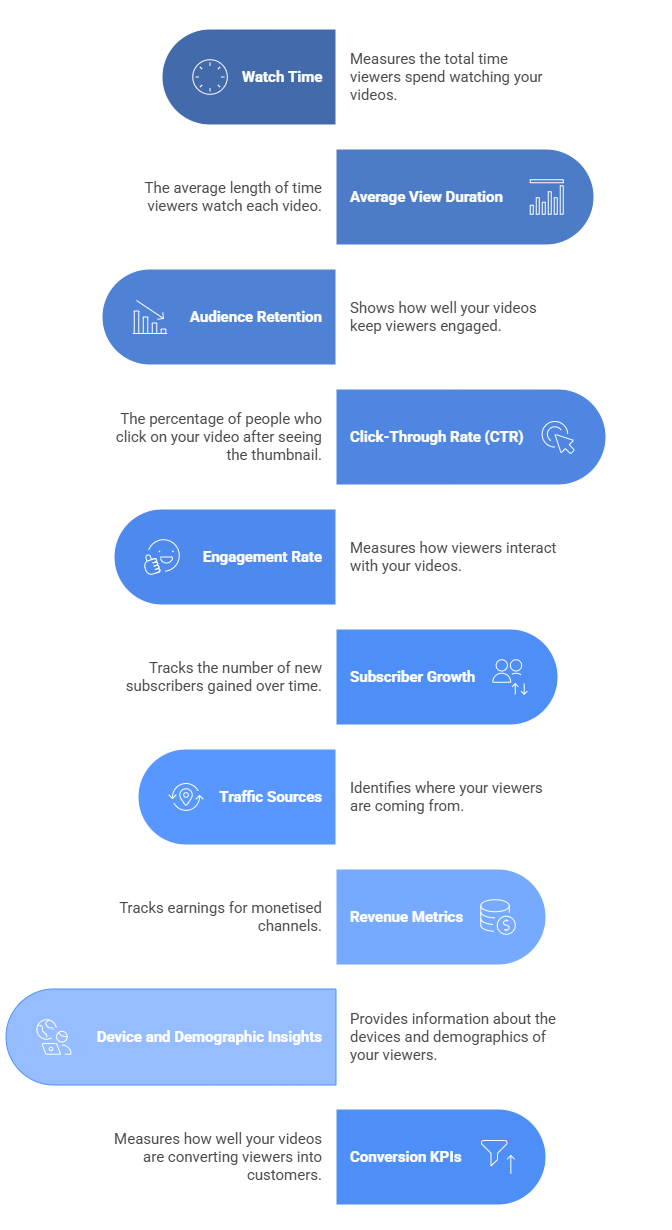
Here’s a closer look at some of the top YouTube KPIs you should track in 2026:
-
Watch Time
Watch time tells you how many total minutes people have spent watching your videos. The more watch time your videos generate, the better your chances of being recommended by YouTube. This metric shows how engaging your content is and whether viewers stick around to watch full videos or drop off early.
Tip: Create playlists and longer, valuable videos to increase total watch time.
-
Average View Duration
This metric shows how long, on average, people are watching your videos before clicking away. A high average view duration means your content is holding attention. If people are leaving early, it may be time to tighten your intros or improve video pacing.
Tip: Cut the fluff and start strong in the first 15 seconds to hook your viewers.
-
Audience Retention
Audience retention breaks down which parts of your video viewers are watching or skipping. It tells you exactly where people lose interest or where they’re rewatching. This helps you edit better videos and repeat what works.
Tip: Use YouTube’s graph to identify the drop-off points and test new hooks or formats.
-
Click-Through Rate (CTR)
CTR shows how many people clicked your video after seeing the thumbnail and title. A low CTR could mean your thumbnail isn’t eye-catching or your title isn’t compelling enough. Getting viewers to click is just as important as keeping them watching.
Tip: Test different thumbnails and titles using A/B tools or YouTube experiments.
-
Engagement Rate (Likes, Comments, Shares)
These interactions show how invested your viewers are. Comments and shares especially indicate strong engagement. The more viewers interact, the more likely YouTube is to boost your video in search and suggested feeds.
Tip: Ask a simple question in your video to encourage comments and spark discussion.
-
Subscriber Growth
Gaining subscribers is a clear sign that viewers want to see more of your content. Tracking subscriber changes over time helps you understand which videos lead to more signups and which ones don’t connect as well.
Tip: End your videos with a specific reason to subscribe based on the viewer’s interests.
-
Traffic Sources
Knowing where your views come from is important. YouTube search, suggested videos, browse features, external links, and playlists all tell different stories. If most of your views are coming from search, then your SEO is working. If they’re mostly from suggested videos, then your content fits well with others. Use this info to double down on what’s working.
Tip: If search traffic is low, work on optimizing your video titles, tags, and descriptions.
-
Revenue Metrics (for Monetised Channels)
If you’ve monetised your channel, you’ll want to track estimated revenue, RPM (revenue per mille), and playback-based CPM (cost per thousand views). These numbers help you understand how much you’re earning per view and which videos generate the most income.
Tip: Diversify your income with Super Chats, memberships, or affiliate links alongside ad revenue.
-
Device and Demographic Insights
These insights show which devices people use to watch your videos (phones, tablets, TVs) and who your audience is in terms of age, gender, and location. This helps you tailor your content style and posting schedule to match your actual viewers.
Tip: If most of your views come from mobile, focus on clear visuals and tight editing for small screens.
-
Conversion KPIs
These track actions beyond YouTube, like how many viewers visit your website, sign up for a course, buy a product, or join your email list. If YouTube is part of your business funnel, these are the metrics that matter most.
Tip: Use trackable links (like UTM codes or short links) in your descriptions to measure external actions.


View All Your Marketing and Website Data - Instantly
 Connect Instagram, Mailchimp, Google Analytics & more
- Pre-built dashboards, no setup needed
- Save hours on reporting every week
How to Choose YouTube KPIs As Per Your Needs?
Picking the right YouTube KPIs isn’t just a numbers game. You need to think about what your channel is actually trying to achieve. Whether you’re building a brand, growing an audience, or driving sales, your KPIs should match that goal.
Let’s break this down so it’s easier to decide what to focus on.
-
Brand Awareness
If your goal is to get more people to know your brand, your KPIs should reflect reach. Focus on:
-
- Impressions
- Total views
- Unique viewers
- Watch time
These tell you how many people are seeing your content and how long they’re sticking around. A rising number here means your content is spreading.
-
Engagement
Awareness is good, but engagement shows real interest. If viewers are liking, commenting, or sharing your videos, it means your content is clicking with them. Track:
-
- Likes
- Comments
- Shares
- Average view duration
- Click-through rate (CTR) on thumbnails
These KPIs give insight into how your audience feels and reacts. They also signal to YouTube’s algorithm that your content is worth promoting.
-
Lead Generation or Conversions
If you’re using YouTube to generate leads, get sign-ups, or drive purchases, track how many people are taking action. This might include:
-
- Clicks on links in descriptions
- Conversions from YouTube ads
- Traffic to your website from YouTube
Use tools like Google Analytics to trace the path from video view to action. This is where YouTube marketing tips about CTAs, end screens, and links come in handy.
-
Audience Loyalty
Building a loyal viewer base pays off long-term. Loyal viewers watch more videos, subscribe, and keep coming back. Track:
-
- Subscribers gained and lost
- Returning viewers
- Playlist engagement
- Community post interaction
These KPIs show whether people like your channel enough to stick around. The more loyal your audience, the easier it is to grow.
View All Your Marketing and Website Data - Instantly
- Connect Instagram, Mailchimp, Google Analytics & more
- Pre-built dashboards, no setup needed
- Save hours on reporting every week
Why Are YouTube KPIs Important?
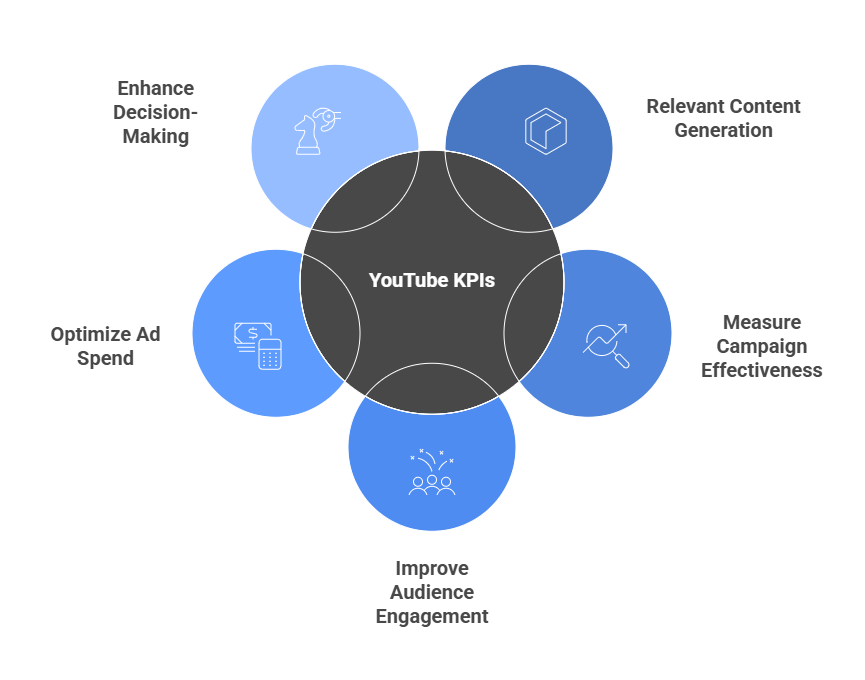
If you are putting time, effort, or budget into YouTube, you need to track the right KPIs. Here’s a closer look at why they are important:
-
Relevant Content Generation
When you track KPIs like watch time, average view duration, and audience retention, you start to understand what kind of videos your viewers actually enjoy. This helps you avoid guesswork. Instead of creating videos blindly, you can focus on topics and formats that are already doing well.
-
Measure Campaign Effectiveness
YouTube KPIs help you know if your campaigns are on track. Click-through rates, conversion metrics, and traffic sources tell you whether your videos are bringing in leads, subscribers, or sales. Without these numbers, you’re basically flying blind when it comes to ROI.
-
Improve Audience Engagement
Metrics like likes, comments, shares, and subscriber growth show how people are reacting to your content. If engagement is low, you can tweak your thumbnails, improve your intros, or switch up your calls to action. Tracking KPIs gives you a way to connect better with your audience.
-
Optimize Ad Spend
If you’re running YouTube ads, KPIs are essential. You need to know which videos are converting and which ones are wasting your budget. By watching metrics like cost per click, view-through rate, and bounce rate, you can stretch your ad budget further and reach the right audience.
-
Enhance Decision-Making
KPIs take the guesswork out of YouTube strategy. They help you make smarter decisions about what content to scale, what to change, and where to invest next. Whether you are growing a brand or building a channel from scratch, these insights keep your efforts focused and results-driven.
Closing Thoughts
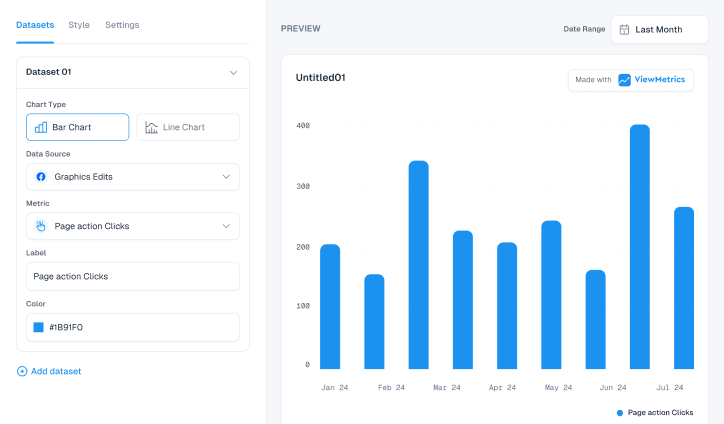
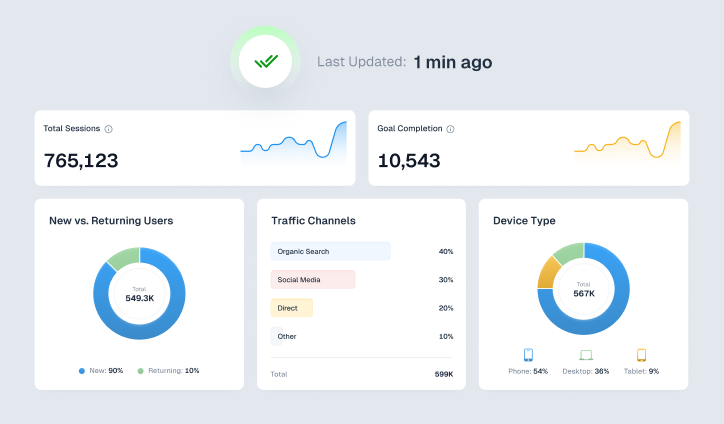
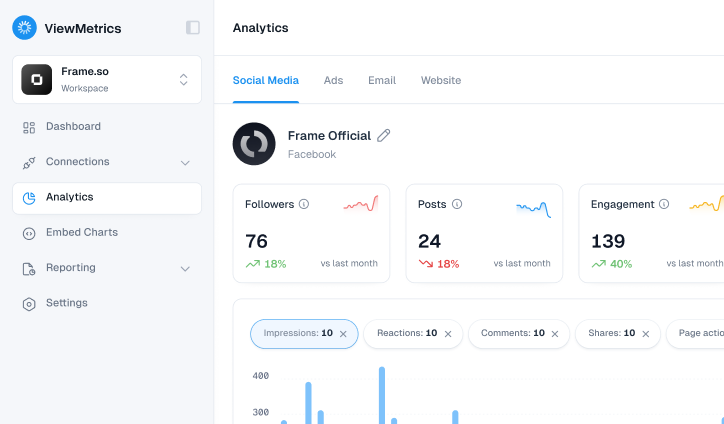
Tracking the right YouTube KPIs helps you move from guesswork to clear decisions, but managing all these numbers across videos and campaigns can get overwhelming. Bringing everything into one place makes a real difference. With ViewMetrics, you can connect your YouTube Analytics in seconds, track KPIs across campaigns, and automate reporting using customizable dashboards. If you want faster insights and cleaner reporting without the manual work, try ViewMetrics today and start making smarter decisions with your YouTube data.
Frequently Asked Questions (FAQs)
-
What are the most important KPIs to track on YouTube?
If you want to understand how your channel is doing, keep an eye on metrics like watch time, audience retention, click-through rate (CTR), engagement rate, and subscriber growth. These KPIs give you a clear picture of how well your content is connecting with viewers and what’s helping your channel grow.
-
How can I simplify tracking multiple YouTube KPIs?
The easiest way is to use a tool like ViewMetrics. It pulls all your key data into one dashboard so you don’t have to jump between YouTube Studio tabs. You get everything in one place, which saves time and helps you focus on what matters.
-
How often should I check my YouTube KPIs?
That depends on how often you’re uploading. If you’re posting regularly or running a campaign, checking your KPIs every week is a good idea. For less frequent uploads, a monthly review can work. Either way, being consistent helps you notice patterns and make better decisions over time.
-
Which KPIs indicate viewer engagement on YouTube?
To measure engagement, look at watch time, average view duration, likes, comments, and shares. These tell you how your audience is responding. More engagement usually means your content is hitting the mark.
-
How do YouTube KPIs help improve content strategy?
KPIs show you what’s working and what’s not. If a video has high watch time and lots of comments, it’s likely striking a chord with viewers. If the CTR is low, maybe your thumbnail or title needs work. These small insights add up and help you shape a content plan that keeps improving.