Key Takeaways
- Google Ads reporting tools eliminate manual work by auto-syncing data, reducing errors, and saving hours every month.
- Not all tools serve the same purpose. Some focus on automation, others on dashboards, optimization, or competitive research.
- ViewMetrics is ideal for Google Workspace users who want automated reports directly inside Sheets and Slides without extra dashboards.
- Agencies should choose tools based on workflow, not hype, considering customization, integrations, scalability, and pricing.
- The right reporting tool improves strategy, letting teams focus on optimization and insights instead of rebuilding reports.
Do you manage multiple campaigns, clients, or platforms? If so, you realize that manual Google Ads reporting quickly becomes a bottleneck. That’s where a dedicated Google Ads reporting tool comes in. It saves time, reduces errors, and makes it easier to share results with clients or stakeholders.
This article breaks down the 15 best Google Ads reporting tools for you, what each one does well, and when it makes sense to use them.
Top 15 Google Ads Reporting Tools at a Glance
The best Google Ads reporting tools automate data tracking, remove manual reporting, and create client-ready reports in minutes. Since different Google Ads reporting tools focus on automation, dashboards, or optimisation, this quick comparison helps you choose the right one for your needs.
| Tool | Price | Key Features | Best Used For | Ideal Users |
|---|---|---|---|---|
| ViewMetrics | Free-$19/mo | Google Add-on for Slides/Sheets, auto-sync charts/metrics/ROAS, multi-source blending, workspaces | Client-ready automated reports | Solo consultants, small agencies |
| Adbeat | $249/mo | Competitor ad spend, placements, keyword search | Ad intelligence spying | Agencies spying on rivals |
| Search Atlas | $99/mo | PPC/SEO dashboards, GSC integration, white-label | Multi-channel PPC/SEO tracking | Growing agencies |
| DashThis | $49/mo | Pre-built templates, 100+ integrations, white-label | Quick dashboard automation | Busy agencies |
| Whatagraph | $229-286/mo | Visual blending, real-time multi-client reports | Stunning multi-source visuals | Design-focused teams |
| Agency Analytics | $59/mo | AI insights, anomaly detection, client portals | Comprehensive agency reporting | Mid-size agencies |
| Databox | Free-$47/mo | Real-time KPIs, drag-drop dashboards | Live performance monitoring | Teams needing speed |
| Reporting Ninja | $20/mo | Looker Studio/Sheets connector, unlimited sends | Flexible custom designs | Budget designers |
| Metrics Watch | $50-$100/mo | Automated CTR/metric reports to the inbox | Daily performance alerts | PPC managers |
| Swydo | $49-69/mo | Templates, scheduling, unlimited clients | Scalable white-label reports | Large client agencies |
| Supermetrics | $37/mo | 150+ connectors to Sheets/Studio, data transforms | Advanced data pipelines | Technical teams |
| Zoho Analytics | $25/user/mo | AI trends, predictive dashboards, blending | BI with full-funnel analysis | Enterprises |
| CallRail | $45/mo | Call tracking attribution to Ads | Offline conversion tracking | Lead-gen businesses |
| Optmyzr | $208/mo | Bid rules, optimization, reporting | PPC management + reports | Advanced optimizers |
| Opteo | $99/mo | Auto-rules, A/B testing, insights | Hands-off optimization | Rule-based managers |
15 Best Google Ads Reporting Tools
Here’s a closer look at each tool, including how it’s typically used in real marketing workflows, not just what it claims to do.
-
ViewMetrics
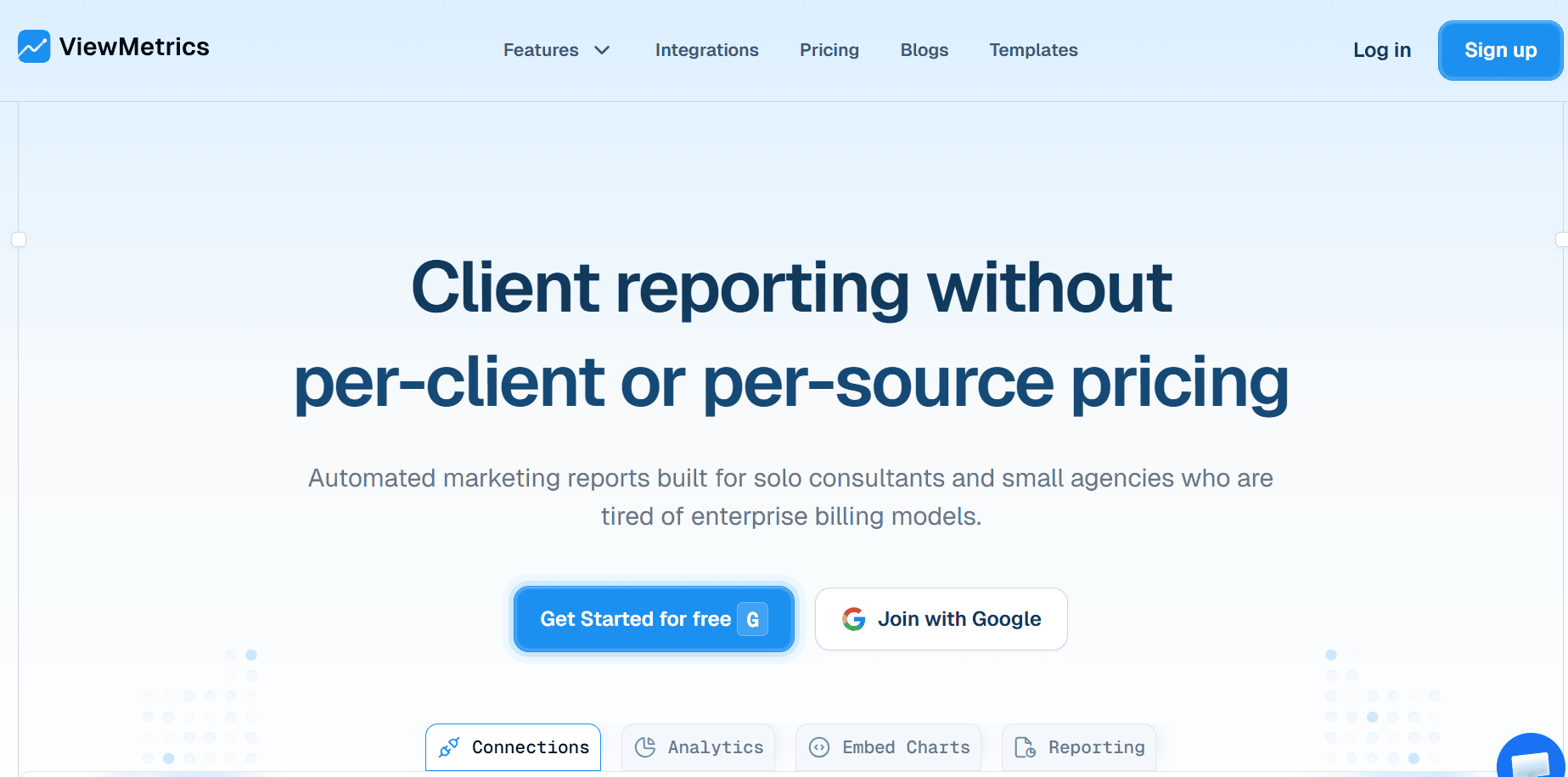
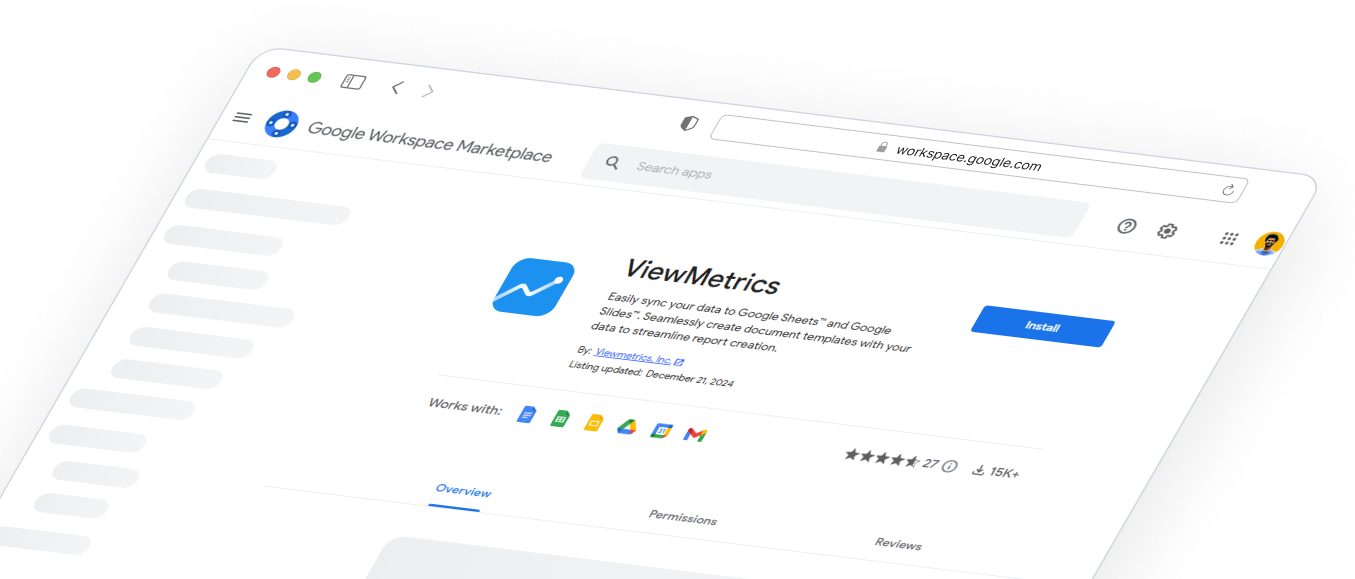
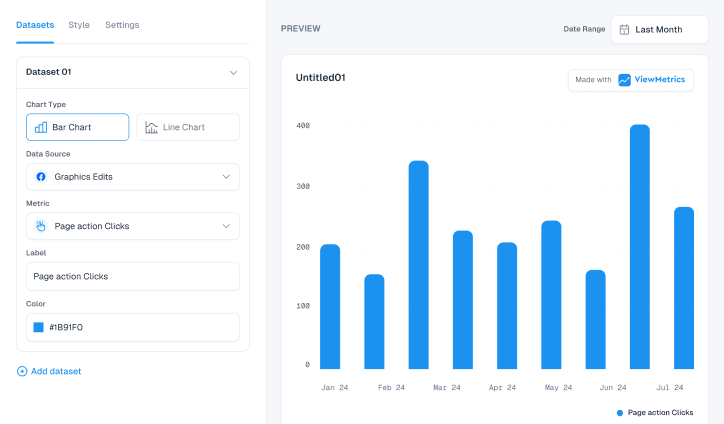
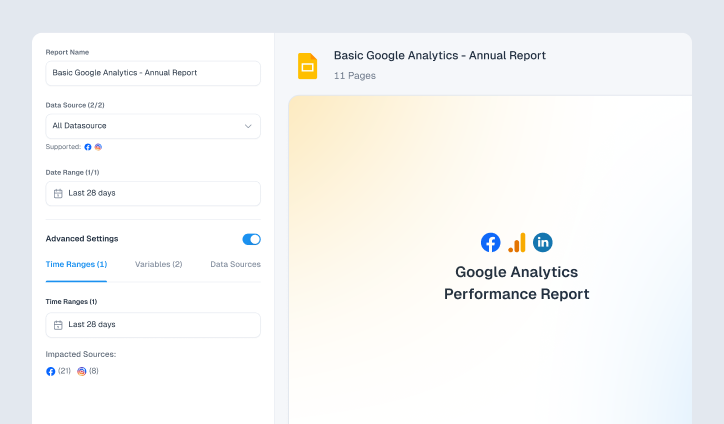
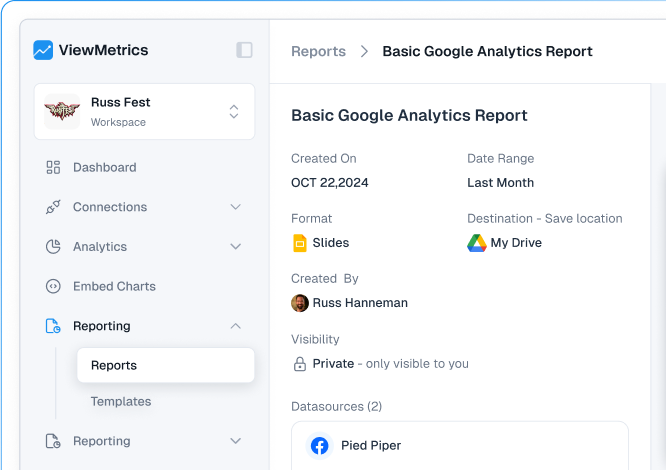
ViewMetrics is built for marketers who already rely on Google Workspace and want reporting to happen where they work every day. Instead of exporting Google Ads data and rebuilding charts manually, ViewMetrics syncs Google Ads metrics directly into Google Sheets and Google Slides using a simple add-on. Once set up, reports update automatically.
It’s especially useful for recurring client reports, where consistency and accuracy matter more than flashy dashboards.
Key Features:
- Native add-on for Google Sheets and Slides
- Automatic syncing of Google Ads metrics and charts
- ROAS and multi-source data blending
- Client workspaces and reusable templates
Best for: Agencies and consultants who want to work with the best Google Ads automation tools inside Google Workspace.
-
Adbeat
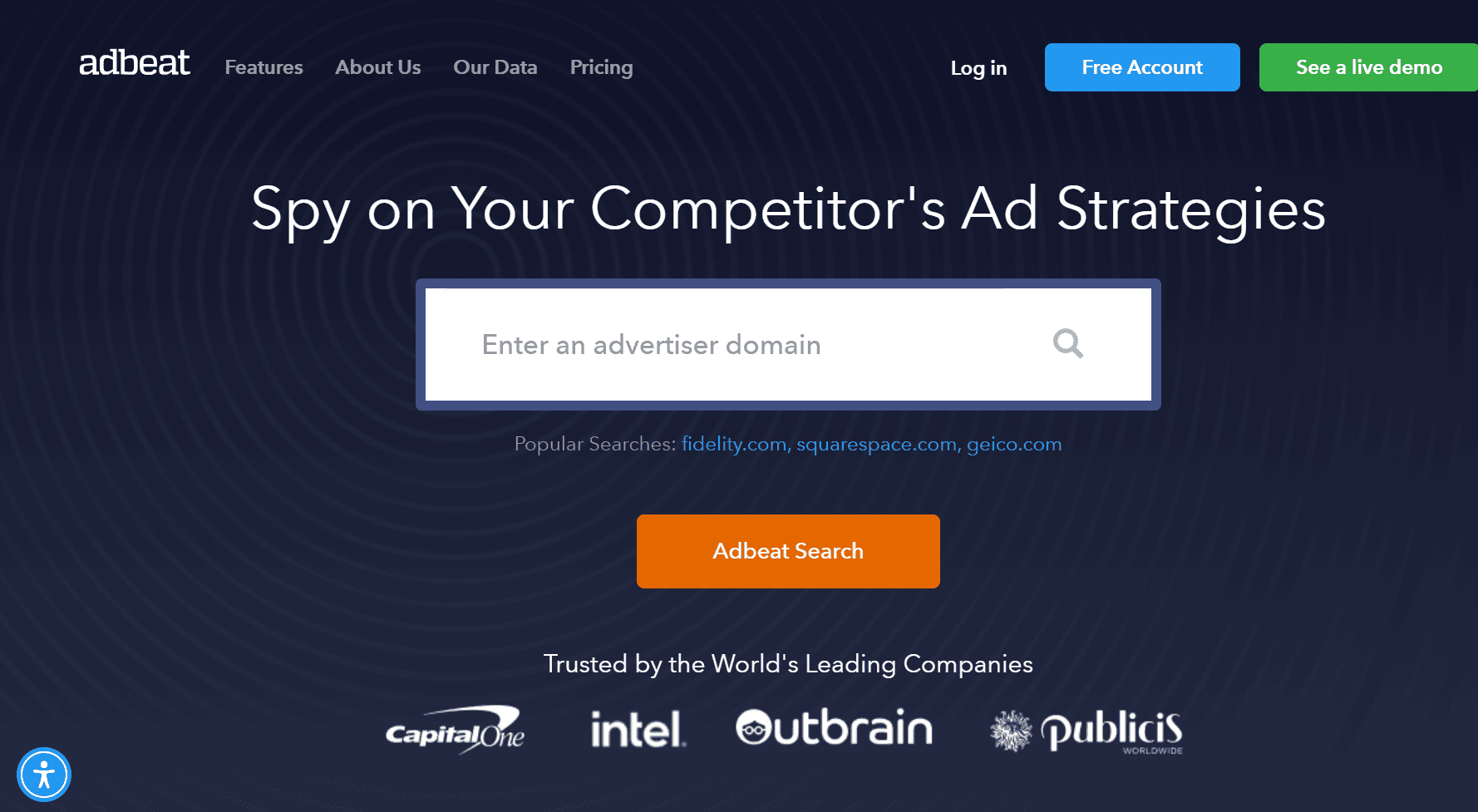
Adbeat isn’t really about reporting performance. It’s about understanding what competitors are doing. Marketers use it to see which ads competitors are running, where they are placing them, and how long those ads have been live. It’s powerful for research, but it won’t replace a client reporting tool.Key Features:
- Competitor ad and keyword analysis
- Ad placement and spend estimates
- Historical ad tracking
Best for: Teams focused on competitive research and ad strategy.
-
Search Atlas
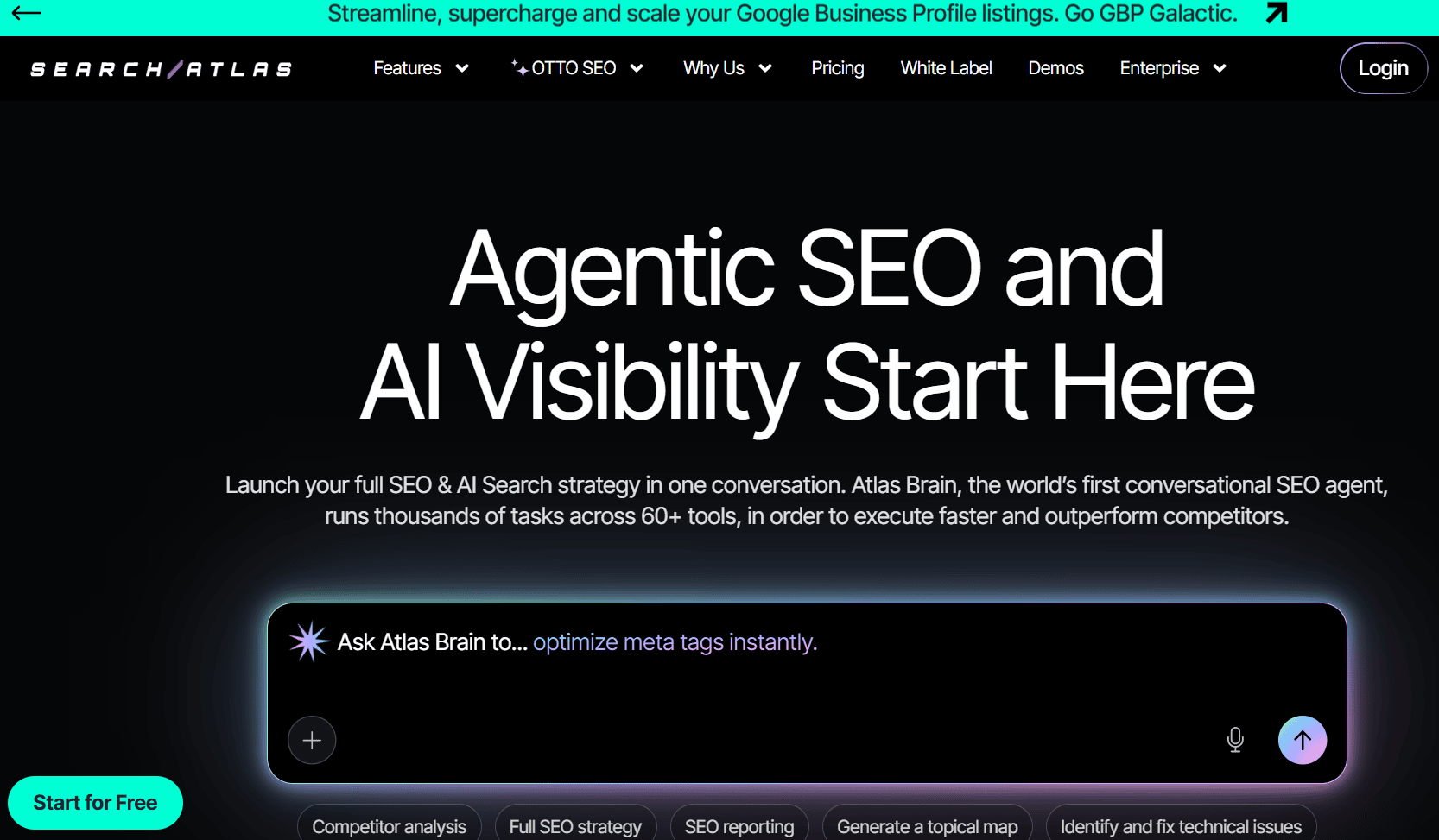
Search Atlas blends Google Ads reporting with SEO insights, which can be helpful if you manage both channels for the same client. Instead of switching between Google PPC tools, you can view paid and organic performance side by side. It’s more of a cross-channel reporting solution than a Google Ads-only tool.Key Features:
- PPC and SEO dashboards
- Google Ads and Search Console integration
- White-label reporting options
Best for: Agencies offering combined SEO and PPC services.
Read More: Impactful Tips on Using Google Ads for SEO Strategy
-
DashThis
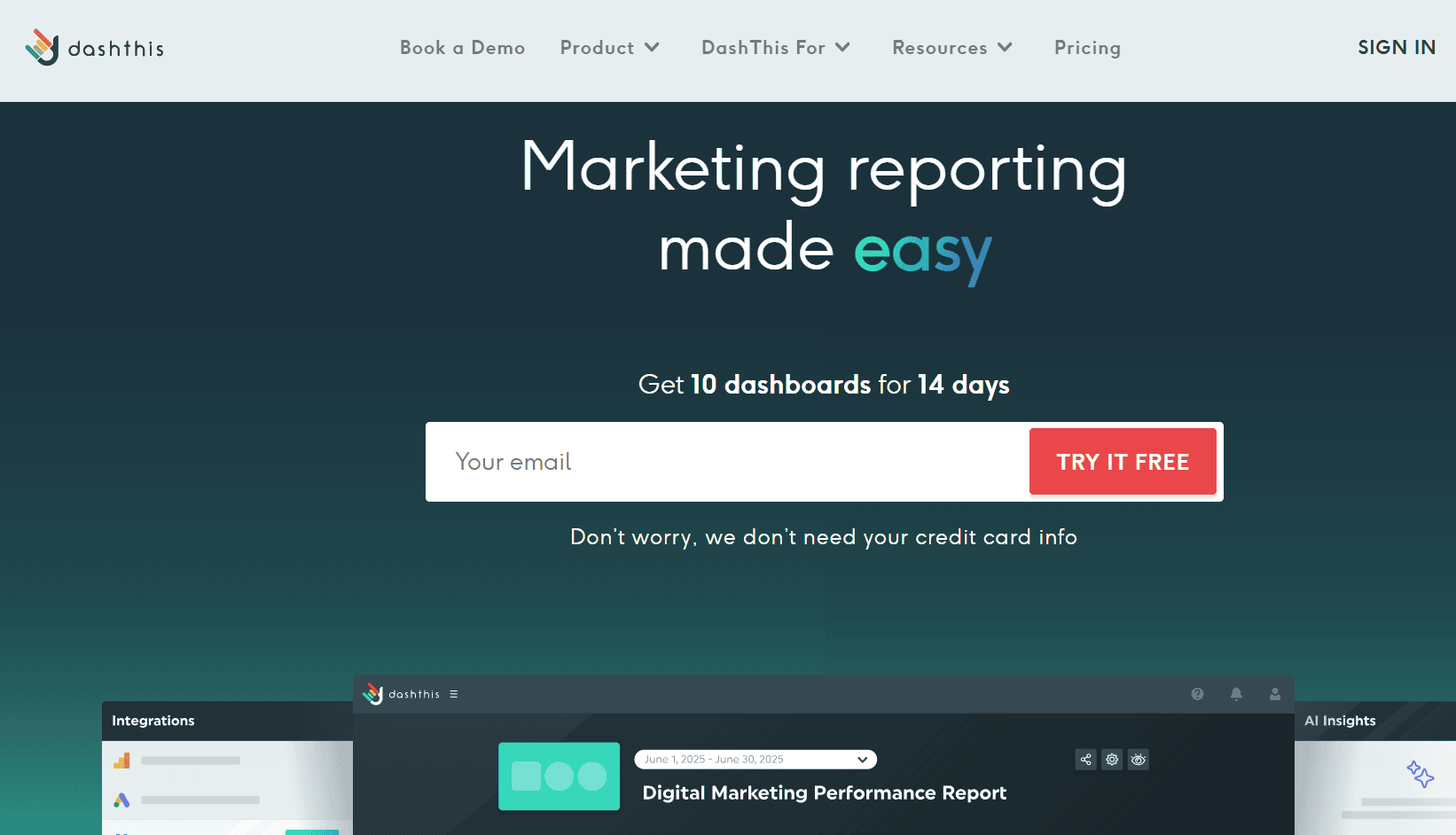
DashThis is designed for speed. You connect your Google Ads account, choose a template, and get a dashboard quickly. For many agencies, that’s enough. Customization is more limited, but the trade-off is simplicity.Key Features
- Pre-built Google Ads dashboard templates
- Multiple marketing platform integrations
- White-label dashboards
Best for: Agencies that want simple dashboards without complex setup.
-
Whatagraph
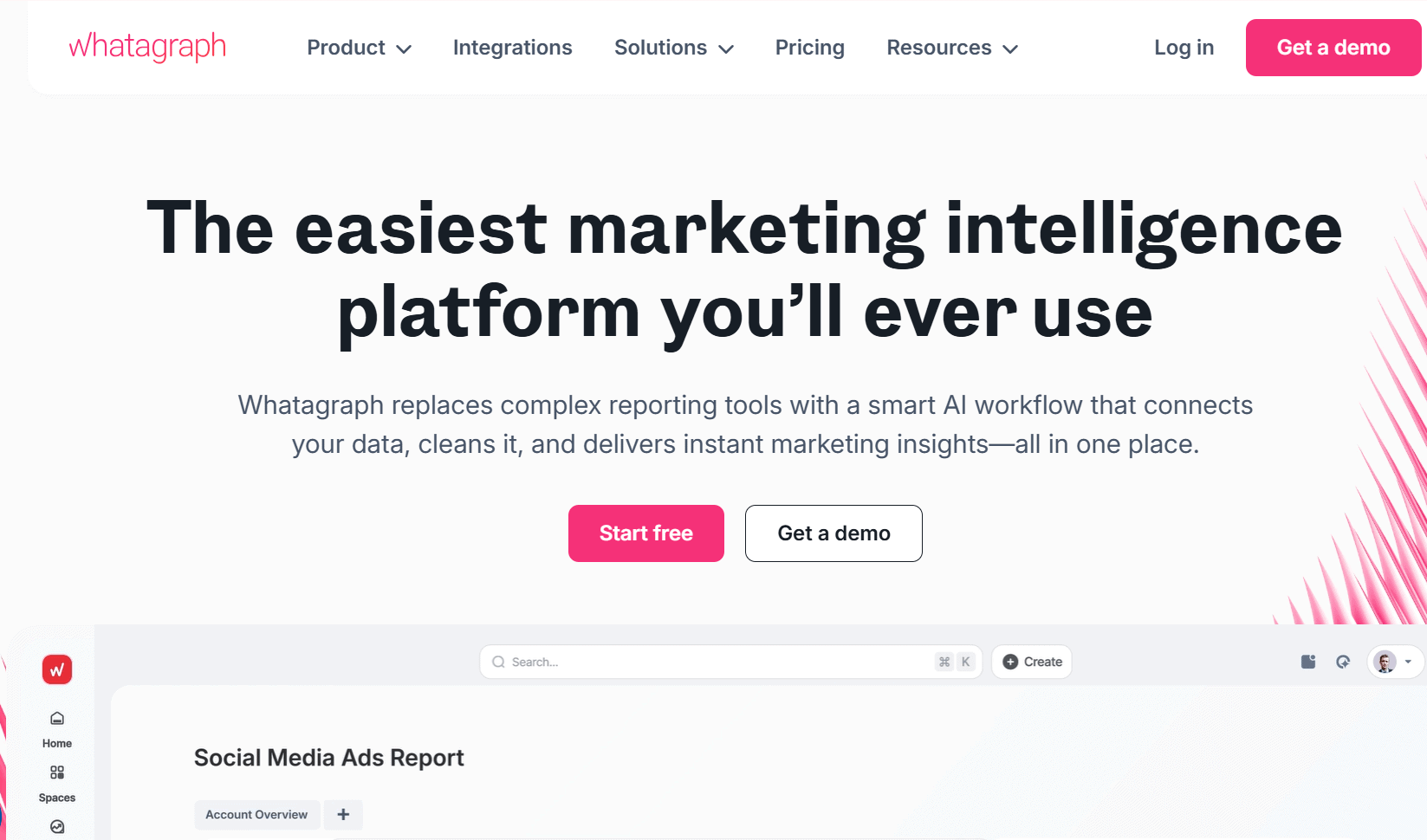
Whatagraph stands out for its visual quality. Reports look polished and presentation-ready, which is why many agencies use them for client-facing reporting. That said, it’s on the higher end of the pricing spectrum.Key Features:
- Visual data blending across platforms
- Real-time and scheduled reports
- Multi-client management
Best for: Teams that prioritize design and presentation quality.
-
AgencyAnalytics
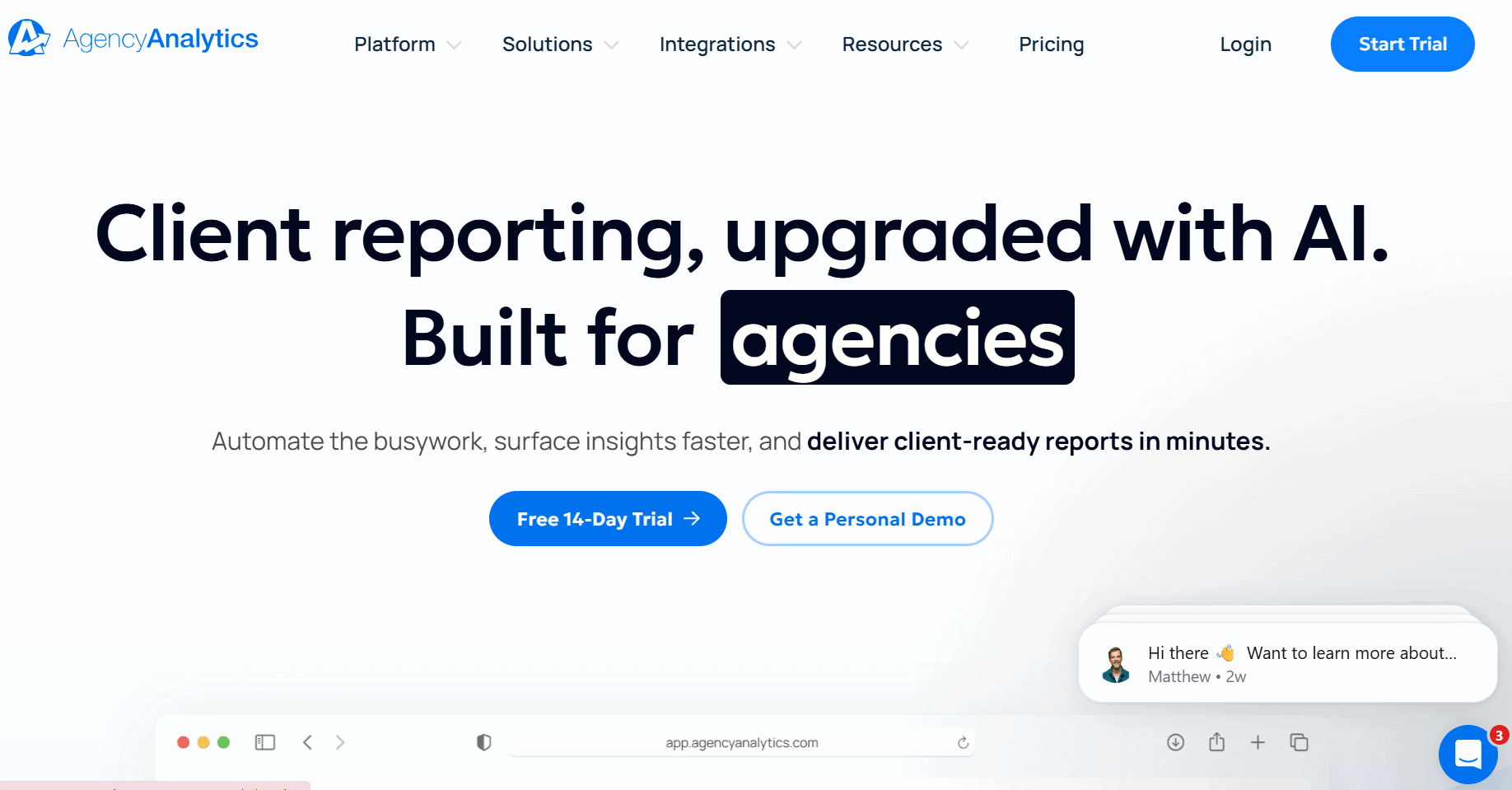
AgencyAnalytics is built specifically for agencies juggling many clients. It combines Google Ads reporting with SEO, social, and email metrics, all accessible through client portals. It’s a strong all-in-one Google Ads tool, especially if you want clients to log in and view reports themselves.Key Features:
- Google Ads dashboards and reports
- AI alerts and anomaly detection
- Client login portals
Best for: Mid-size agencies managing multiple channels.
-
Databox
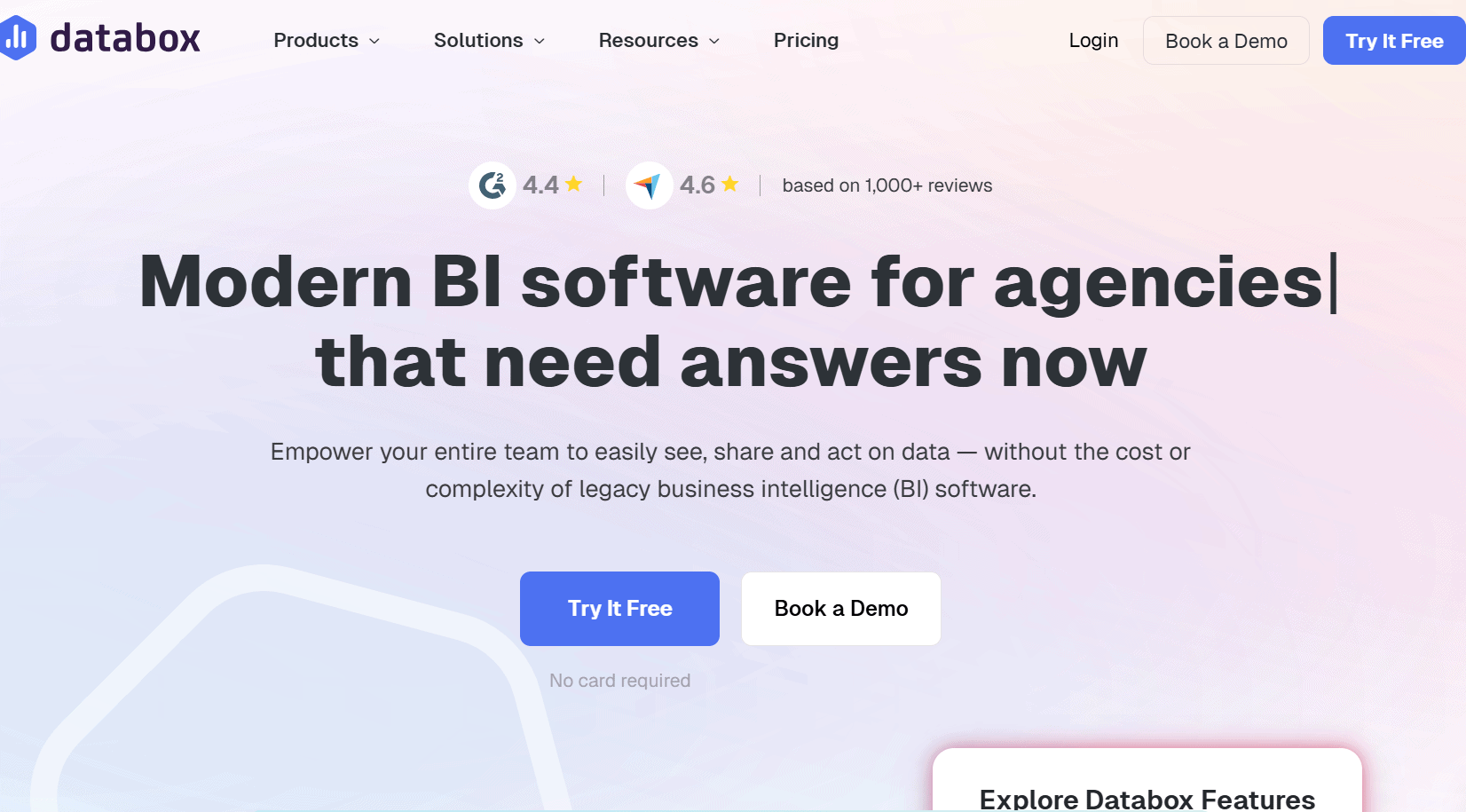
Databox is more about monitoring than reporting. Teams use it to keep an eye on KPIs in real time and get alerts when performance changes. It’s great for internal visibility, but less ideal for detailed client decks.Key Features:
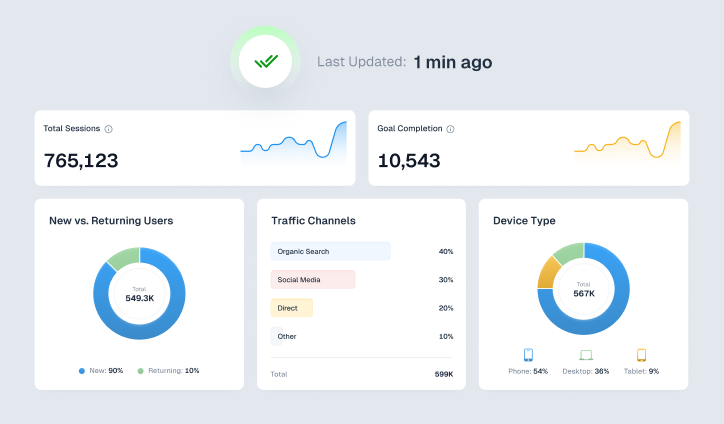
- Live KPI dashboards
- Drag-and-drop dashboard builder
- Performance alerts
Best for: Teams that need real-time Google Ads performance tracking.
-
Reporting Ninja
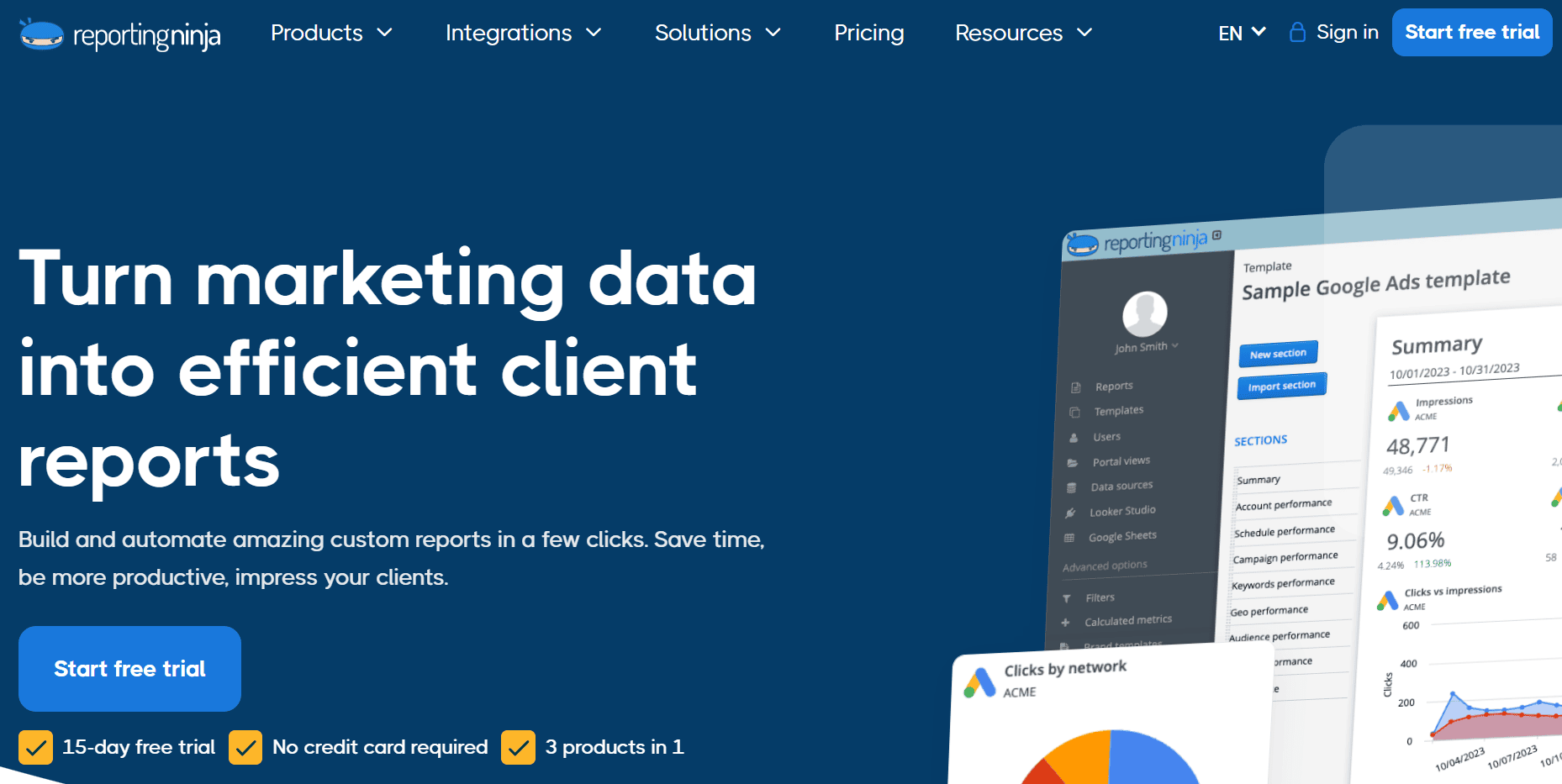
Reporting Ninja gives you a lot of flexibility for a relatively low price. It connects Google Ads data to Google Sheets and Looker Studio and lets you design reports your own way. It’s not flashy, but it gets the job done.Key Features:
- Google Sheets and Looker Studio connectors
- Unlimited scheduled reports
- Custom report layouts
Best for: Freelancers and small teams on a budget.
Read More: 4 Expert Google Advertising Tips for Ad Optimization
-
Metrics Watch
Metrics Watch takes a different approach. Instead of dashboards, it delivers scheduled Google Ads reports straight to email inboxes. This works well when stakeholders want quick updates without logging into another Google Ads marketing tool.Key Features:
- Automated email reports
- CTR and performance tracking
- Custom schedules
Best for: PPC managers sending regular performance updates.
-
Swydo
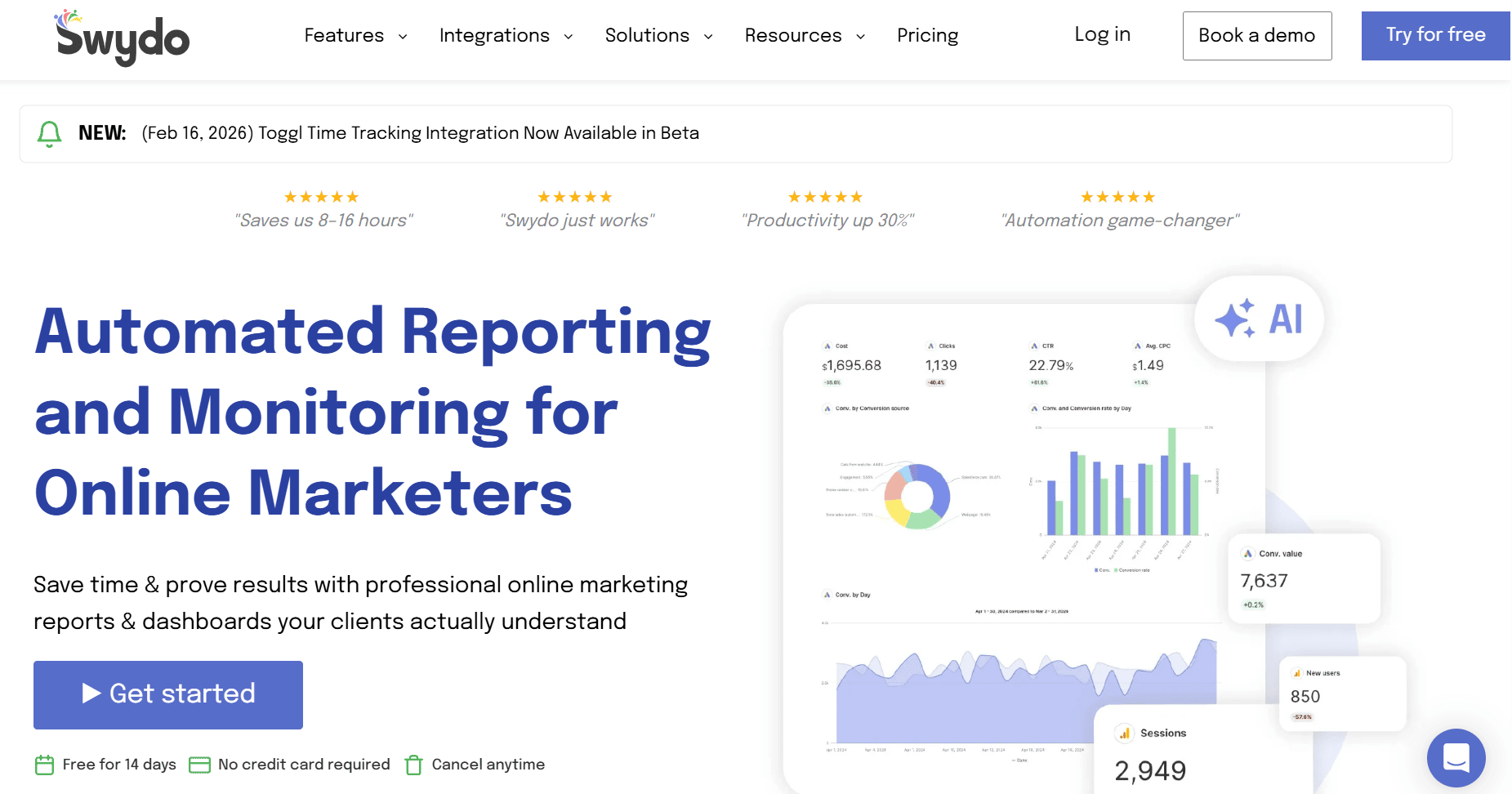
Swydo is designed to scale. Agencies use it to automate reporting across dozens or hundreds of clients without rebuilding reports each time. Its strength lies in repeatability and white-labeling.Key Features:
- Google Ads report templates
- Scheduling and automation
- White-label options
Best for: Large agencies managing recurring reports at scale.
-
Supermetrics
Supermetrics isn’t a reporting interface. It’s a data connector. You use it when you want full control over how Google Ads data is transformed and reported. It’s powerful, but it assumes technical comfort.Key Features:
- 150+ data connectors
- Advanced data transformations
- Reliable data pipelines
Best for: Analysts and technical marketing teams.
-
Zoho Analytics
Zoho Analytics is a full business intelligence platform. Google Ads reporting is just one part of it. It’s best suited for organizations that want to blend marketing data with sales, finance, and CRM data.Key Features:
- AI-powered insights and forecasting
- Advanced data modeling
- Enterprise-grade dashboards
Best for: Enterprises needing deep analytics across departments.
-
CallRail
CallRail is a unique Google AdWords reporting tool that focuses on one thing: phone calls. It connects Google Ads clicks to phone conversations, helping businesses understand which ads generate calls. It complements reporting tools rather than replacing them.Key Features:
- Call tracking and attribution
- Google Ads conversion integration
- Lead-level insights
Best for: Lead-generation businesses tracking offline conversions.
-
Optmyzr
Optmyzr blends Google Ads optimization with reporting. It’s designed for teams that want to actively improve performance using automated rules and recommendations. Reporting supports optimization, not the other way around.Key Features:
- Automated bid and budget rules
- Optimization insights
- Performance reporting
Best for: Advanced PPC professionals managing large accounts.
-
Opteo
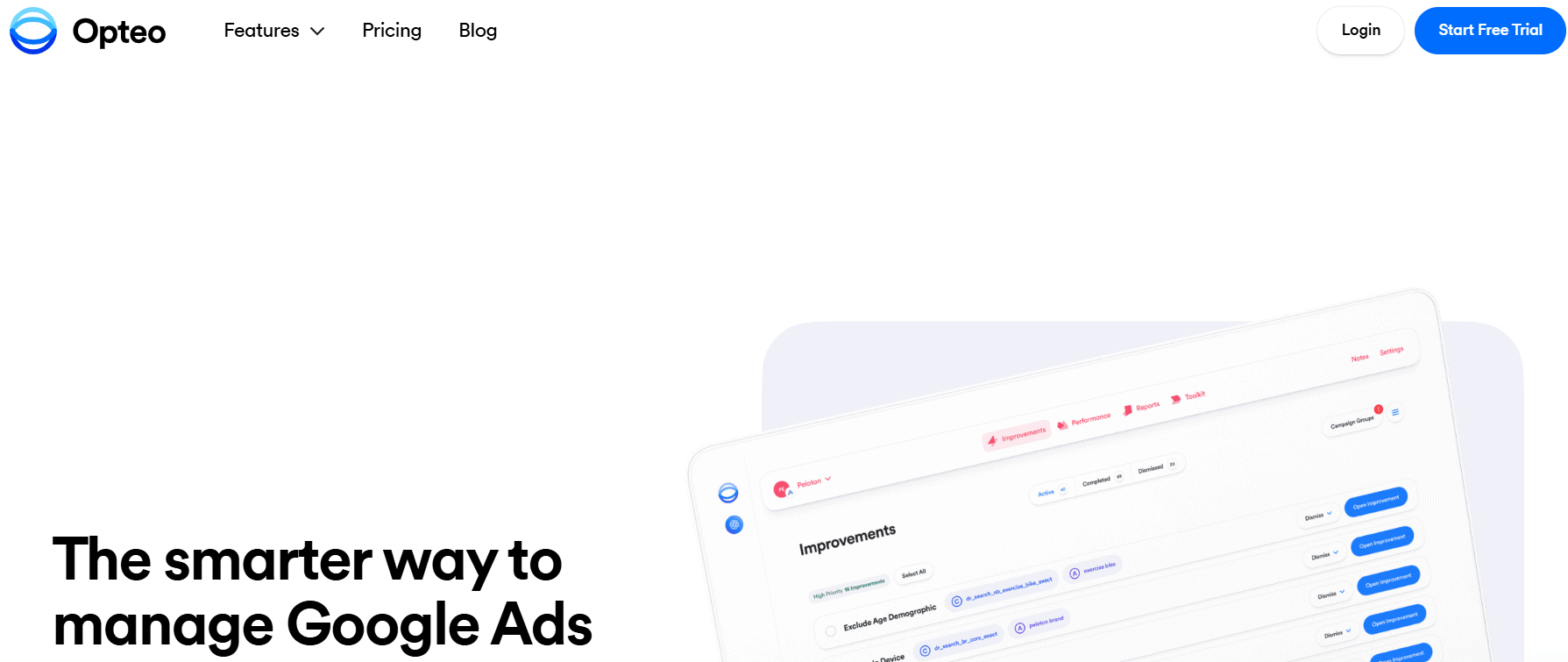
Opteo focuses on automation and experimentation. It continuously analyzes accounts and suggests changes to improve performance. It’s useful if you prefer a hands-off approach to optimization.Key Features:
- Automated rules and alerts
- Experiment recommendations
- Clear performance insights
Best for: Marketers who want automation-driven optimization.


 Connect Instagram, Mailchimp, Google Analytics & more
How Do You Choose the Right Google Ads Reporting Tool for Your Team?
Choosing the right Google Advertising tool depends on how your team works and what you need to report. Keep these pointers in mind:
-
Customization
Look for flexible templates and customizable metrics, so reports match your brand and client expectations.
-
Ease of Integration
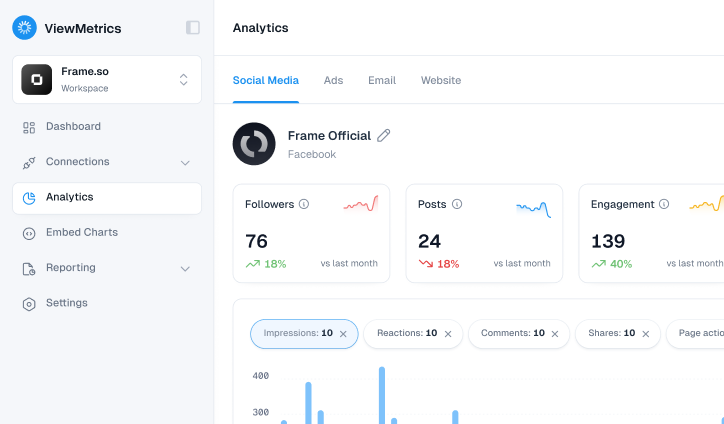
The tool should connect seamlessly with Google Ads and other platforms you already use, such as Google Analytics or Google Sheets.
-
Pricing
Choose a pricing model that scales with your clients and users without forcing you into expensive enterprise plans.
-
AI & Automation
Automation reduces manual errors and saves time. Do your research and find the best Google Ads automation tools that auto-sync data and generate reports on a schedule.
Conclusion
With the right Google Ads reporting tool, the reporting doesn’t need to be a monthly headache. It eliminates the manual work, improves accuracy, and helps you focus on strategy instead of spreadsheets.
If you use Google Sheets and Slides for reporting, ViewMetrics is a practical choice. It updates reports automatically. No extra dashboards. No manual work. Your reports stay clean, consistent, and ready to share with clients.
Frequently Asked Questions (FAQs)
-
Which is the best Google Ads reporting tool?
The best Google Ads reporting tool depends on your needs. ViewMetrics is ideal for automated, client-ready reports. Whatagraph and Swydo work well for visual dashboards, while Supermetrics suits advanced data workflows.
-
What is the difference between Google Ads and Google Ads reporting tools?
Google Ads is used to run campaigns, while Google Ads reporting tools analyze performance and present data. Reporting tools offer better automation, visuals, and insights than native Google Ads reports.
-
Do Google Ads reporting tools support multi-channel reporting?
Yes. Many tools support platforms like Google Analytics, Facebook Ads, and Search Console. Tools such as ViewMetrics, Whatagraph, and Zoho Analytics also allow multi-source data blending.
-
Are Google Ads reporting tools better than Google Ads dashboards?
In most cases, yes. Third-party tools provide better visuals, automation, cross-platform reporting, and customization.
-
What metrics should a Google Ads reporting tool track?
Key metrics include clicks, impressions, CTR, cost, CPC, conversions, CPA, ROAS, and quality score are the major metrics that a Google Ads reporting tool should track.
-
How often should you generate Google Ads reports?
Most teams generate weekly or monthly reports. High-spend campaigns may benefit from daily monitoring.