Creating an SEM report might feel like a routine task, but it’s where all your campaign efforts finally come together. This report shows your clients or team exactly how their ads are performing. If you’re managing search engine marketing, your report needs to be clear, focused, and tied to actual goals. Let’s walk through how to build one that actually makes sense.
What is a SEM Report?
SEM report is the process of collecting and reviewing data from your search engine marketing campaigns to see what’s working and what needs improvement. It looks at numbers like clicks, impressions, conversions, and cost, helping you make smarter decisions to get better results from your ads and SEO efforts.
What to Include in an SEM Report?
Here’s what you should include in your SEM report:
-
Executive Summary / Overview
Start with a short and clear overview of what the report is about. This should include the time frame covered, the platforms used (like Google Ads or Meta), and a one-glance summary of how things are going. If your boss or client only reads this section, they should still walk away with a basic idea of campaign health and results.
-
Campaign Goals
Every campaign should tie back to a clear goal. It could be increasing leads, improving brand awareness, boosting sales, or growing traffic. In this section, mention the original goals and whether the campaigns are meeting them. Keep it simple and direct so readers can compare goals to actual outcomes.
-
Key Performance Indicators (KPIs) and Metrics
Now that the goals are clear, show how the campaign performed using the right metrics. Break this section down into subcategories for better clarity.
-
Visibility
Show how visible your ads are. Include impressions, impression share, and search rankings. These metrics tell you how often your ads are being shown and whether you’re reaching the right audience.
-
Engagement
Measure how users are interacting with your ads. Include click-through rate (CTR), average time on page, bounce rate, and page views per session. This helps you understand what’s grabbing attention.
-
Cost / Efficiency
Break down how the budget is being used. Include cost per click (CPC), cost per conversion, return on ad spend (ROAS), and total spend. This shows if you’re getting value for the money spent.
-
Conversion
Report total conversions, conversion rate, and revenue (if applicable). You can also mention assisted conversions or micro-conversions if they were part of the strategy.
-
Quality
Mention Quality Score, landing page experience, and ad relevance. These metrics show whether your ads are considered helpful and relevant by the platform and the users.
-
-
Organic vs. Paid Performance
If you’re running both SEO and paid ads, include a comparison. Show how much traffic and conversions are coming from organic versus paid. This helps you see which channel is pulling more weight and where you might need to shift focus.
-
Keyword Performance
List your top-performing keywords and the ones that are underperforming. Include data like impressions, clicks, CTR, conversions, and cost. Highlight any new keyword opportunities or ones that need to be paused. This section gives insight into what’s driving results.
-
Visualizations
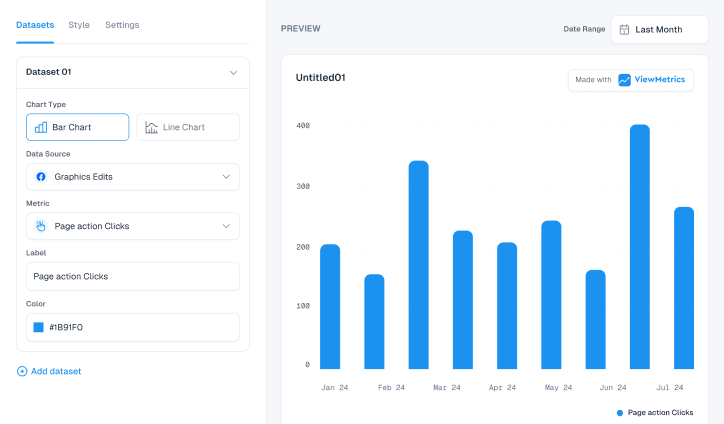
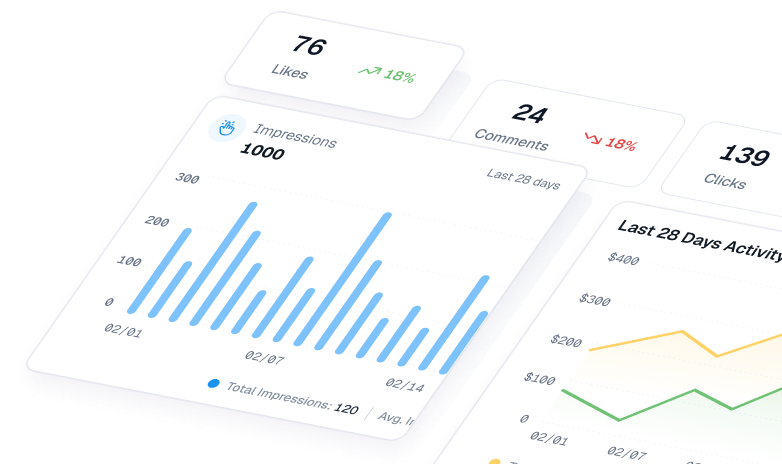
Add charts, graphs, and tables to make your report easier to scan. Use visuals to highlight trends, comparisons, and performance over time. A well-placed line graph or bar chart can help people understand your data much faster than just reading numbers.
-
Recommendations and Next Steps
Wrap up with clear takeaways. What worked? What didn’t? What should be done next? This section turns data into action. Suggest changes in bidding strategy, ad copy, landing page tweaks, keyword adjustments, or new campaign ideas. Keep it focused on what will drive better results in the next phase.
How to Create a SEM Report
Creating a SEM (Search Engine Marketing) report doesn’t need to be complicated. Here’s how you can put together a strong SEM report:
-
Understand Your Audience
Start by figuring out who will read the report. Are they marketers, clients, business owners, or someone else? This will shape what you include and how deep you go. A client might care more about ROI and conversions, while a fellow marketer might want to see detailed keyword data and quality scores.
-
Choose the Right Metrics
Pick metrics that actually show performance and progress. Some useful ones include:
- Clicks
- Impressions
- CTR (Click Through Rate)
- CPC (Cost per Click)
- Conversion Rate
- Cost per Conversion
- ROAS (Return on Ad Spend)
You don’t have to include everything. Just focus on what supports the campaign’s goals.
-
Provide Context and Insights
Don’t just list numbers. Explain what they mean. For example, if CPC dropped, mention whether it’s because of better ad relevance or changes in bidding. Use comparisons like week-on-week or month-on-month changes to show trends. This helps the reader make sense of the data quickly.
-
Use Visual Aids
Charts, graphs, and tables help simplify complex data. Use visuals to show performance trends, budget splits, or keyword-level performance. Tools like Google Data Studio or Excel can help you create clean visuals without much effort.
-
Keep It Simple and Concise
Avoid jargon unless you’re writing for someone who understands it. Focus on clarity. Use short sentences, clear headings, and bullet points when needed. A good report should be easy to scan, with key insights standing out.


View All Your Marketing and Website Data - Instantly
 Connect Instagram, Mailchimp, Google Analytics & more
- Pre-built dashboards, no setup needed
- Save hours on reporting every week
Why Do You Need a SEM Report?
You might be wondering if a SEM report is even necessary. Here’s why it matters:
-
Measure Performance and ROI
A SEM report shows if your campaigns are actually delivering results. Are you getting leads, sales, or just traffic? It helps you track what’s working and what’s wasting money.
-
Optimize Spending
By tracking performance, you can spot areas where the budget is being wasted and shift it toward high-performing campaigns.
-
Inform Strategy
Over time, SEM reports give you data to support bigger decisions. For example, you might discover that certain keywords perform better in specific regions or times of the day. These insights shape future campaigns.
-
Connect to Business Goals
A good SEM report ties back to real business objectives like revenue, sign-ups, or customer acquisition. It shows how digital ads contribute to company growth.
-
Identify Trends
With regular reporting, you can spot patterns. Maybe performance improves during weekends or drops in certain months. These trends help you plan smarter campaigns.
-
Improve Multi-Channel Marketing
When you track SEM performance alongside other channels like SEO, email, or social media, you get a fuller picture. A good SEM report helps you coordinate efforts across platforms and avoid duplication.
Best Tools for SEM Reporting
-
ViewMetrics
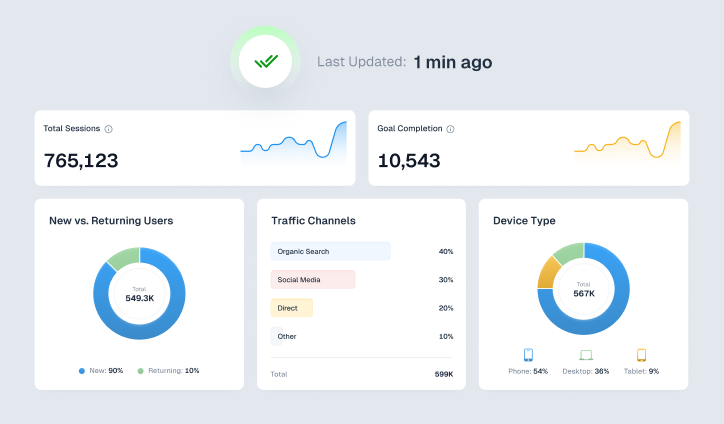
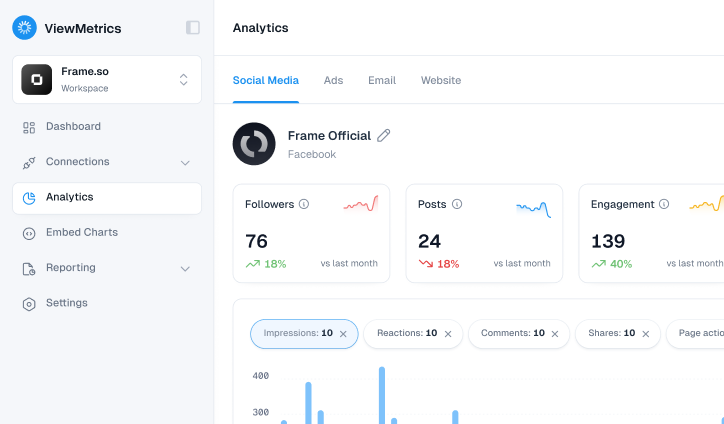
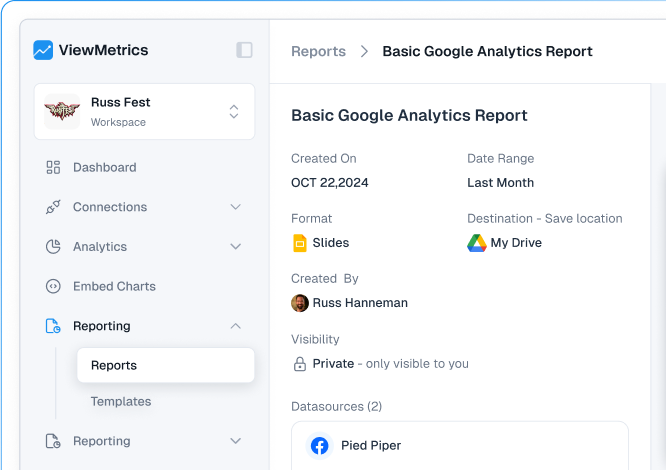
If you’re looking for a one-stop tool that brings all your paid media data together, ViewMetrics is a solid pick. It connects platforms like Google Ads, Bing Ads, Facebook Ads, LinkedIn Ads, and GA4 into one real-time dashboard. No more switching between tabs or downloading spreadsheets from everywhere. You can drag and drop widgets, create custom visuals like budget pacing charts, and export white-label reports in PDF or PowerPoint formats. It also sends automated alerts and scheduled email or Slack updates, so you’re always aware of important changes in CPC, CPA, or ROAS. Whether you’re working in-house or with clients, ViewMetrics makes SEM reporting faster and cleaner.
-
SEMrush
SEMrush goes beyond just reporting numbers. It helps you understand why those numbers look the way they do. You get tools to find paid keyword opportunities, review your ad copy, track your PPC performance, and even study what your competitors are doing. If you want to benchmark your campaigns against others in your industry, SEMrush gives you that visibility. The reports cover core metrics like impressions, CTR, and conversions, but they also help you spot gaps in your strategy and adjust your bids, budgets, or targeting based on real data.
-
Google Analytics 4
GA4 is your go-to tool for understanding what happens after someone clicks your ad. It helps you connect SEM performance to actual user behaviour on your site. By linking Google Ads with GA4, you can see which campaigns bring quality traffic, which ones convert, and how SEM fits into the customer journey. The Advertising workspace and Traffic Acquisition reports give you deeper insights into conversion paths, lifetime value, and assisted conversions. It shifts the focus from clicks alone to actual outcomes.
Closing Thoughts
A well-made SEM report helps you see the real story behind your campaigns. It keeps everyone aligned, shows where money is being spent wisely, and highlights what needs improvement. When your reporting is clear and focused, it becomes easier to optimize campaigns, justify decisions, and drive better results over time.
Frequently Asked Questions (FAQs)
-
How often should an SEM report be created?
Most teams create SEM reports once a month. But if your ad spend is high or you’re testing multiple campaigns, you may need to report weekly or every two weeks to stay on track.
-
Which KPIs matter most in an SEM report?
Focus on KPIs like CTR, CPC, conversion rate, cost per conversion, ROI, and impression share. These show how well your ads are performing and where to optimise.
-
How do you track conversions in an SEM report?
Use Google Ads conversion tracking or connect your site to Google Analytics. These tools show you which clicks turned into leads, signups, or purchases.
-
What is a good CTR for SEM campaigns?
It depends on your industry, but a CTR higher than your account average is usually a good sign. It shows people find your ad relevant.
-
How do you present SEM report data to clients?
Use clear visuals like charts and graphs. Avoid jargon. Highlight results like leads or ROI. Summarise insights in simple language your client can act on.
-
What mistakes should be avoided in an SEM report?
Avoid overloading the report with too many metrics. Focus on what matters. Don’t just report clicks; always tie it back to conversions and business goals.
-
Can SEM reports help improve future campaign strategy?
Yes. They show what’s working and what’s not. You can spot high-performing keywords, good audiences, and effective ad creatives to refine your strategy.